About ThrottleStop
ThrottleStop is the most advanced and widely used free utility for controlling Intel CPU behavior on Windows. Developed by UncleWebb, it gives users full control over CPU throttling, power limits, voltage, SpeedShift and many other hidden parameters that manufacturers usually lock.
It is especially popular among laptop users who suffer from aggressive thermal throttling and want to unlock extra performance and lower temperatures at the same time.
In version 9.6 (May 2026), ThrottleStop added better support for the latest Intel Core Ultra (Arrow Lake / Lunar Lake) processors, improved monitoring accuracy and new features for modern power management.
The program is completely free, lightweight, portable and trusted by hundreds of thousands of users worldwide.
ThrottleStop was created specifically to solve the problem of aggressive CPU throttling that most laptop manufacturers apply to keep temperatures and power consumption low. Many modern Intel processors (especially in thin laptops) heavily limit their performance as soon as the temperature rises even slightly or the power limit is reached. ThrottleStop removes these artificial restrictions and lets the CPU run at its true potential.
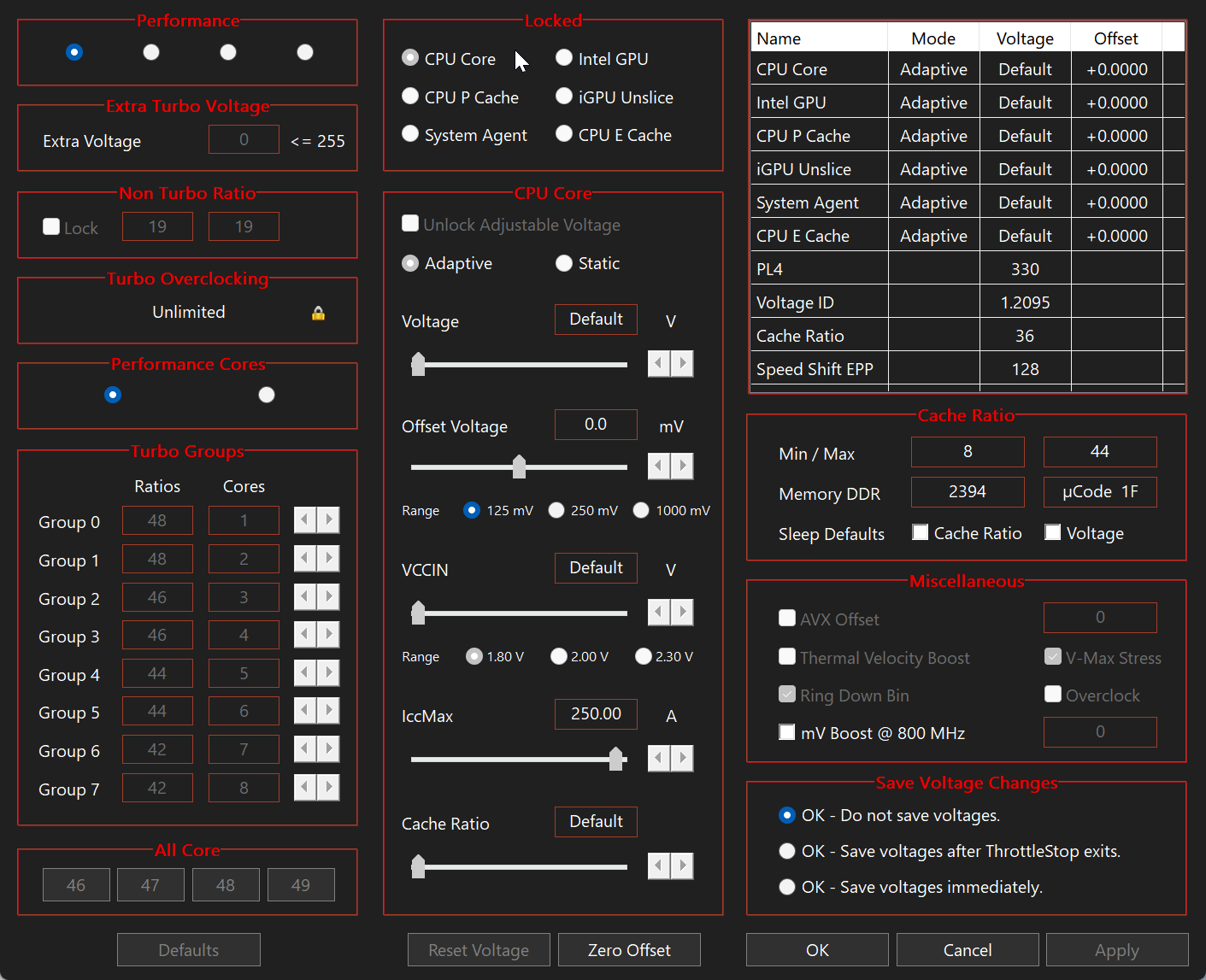
The program allows you to disable BD PROCHOT (the most common throttling mechanism), set custom power limits (PL1, PL2, PL4), undervolt the CPU using FIVR control, adjust SpeedShift and SpeedStep values, and fine-tune many other hidden settings. This results in significantly higher performance, lower temperatures and better battery life at the same time.
ThrottleStop is especially useful for gaming laptops, workstation laptops and any Intel-based device where the user wants maximum performance without buying a more expensive model. Thousands of users report 15-30% performance gains and 5-15°C temperature drops after proper configuration.
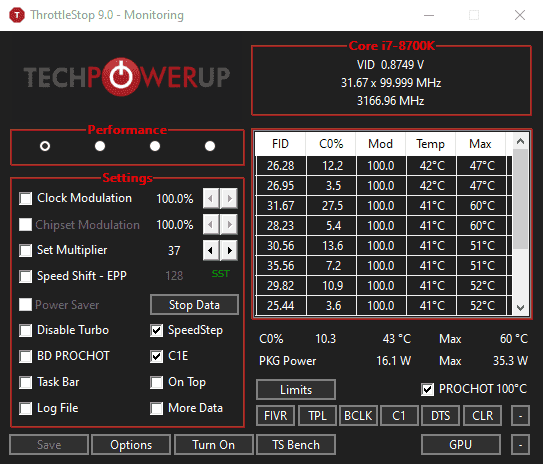
The interface may look technical at first, but it is actually very powerful and flexible. You can create multiple profiles (for gaming, office work, silent mode, etc.) and switch between them instantly. Real-time monitoring shows temperatures, power consumption, clock speeds, C-states and throttling status in detail.
Because ThrottleStop is portable, you don’t need to install anything. Just run the executable and start tuning. It works on all modern Intel CPUs from Core i3 to the latest Core Ultra series and is regularly updated to support new processors.
Safety is a top priority for the developer. The program includes many built-in safeguards so you cannot accidentally damage your CPU. You can always return to default settings with one click.
Key Features
- Disable BD PROCHOT throttling
- Advanced undervolting (FIVR control)
- Power limit control (PL1, PL2, PL4)
- SpeedShift / SpeedStep adjustment
- Real-time monitoring of temperatures, power, clocks and C-states
- Log files and detailed reporting
- Support for all modern Intel CPUs
- Portable — no installation required
- Multiple profiles for different usage scenarios
- Built-in safety mechanisms

.jpg)