SumatraPDF 3.5
Latest version • Updated May 2026
SumatraPDF is the fastest and lightest PDF reader for Windows. It opens PDF, EPUB, MOBI, DjVu and other formats instantly with minimal resource usage and no unnecessary features.
Designed for maximum speed and simplicity, SumatraPDF loads even large documents almost instantly while using very little RAM and CPU. It is the preferred choice for millions of users who want a clean, fast and efficient way to read documents without any bloat or distractions.
Completely free, open-source, portable and actively maintained, SumatraPDF remains one of the most recommended lightweight PDF readers for Windows 11 and older versions.
Download SumatraPDF FreeScreenshots of SumatraPDF
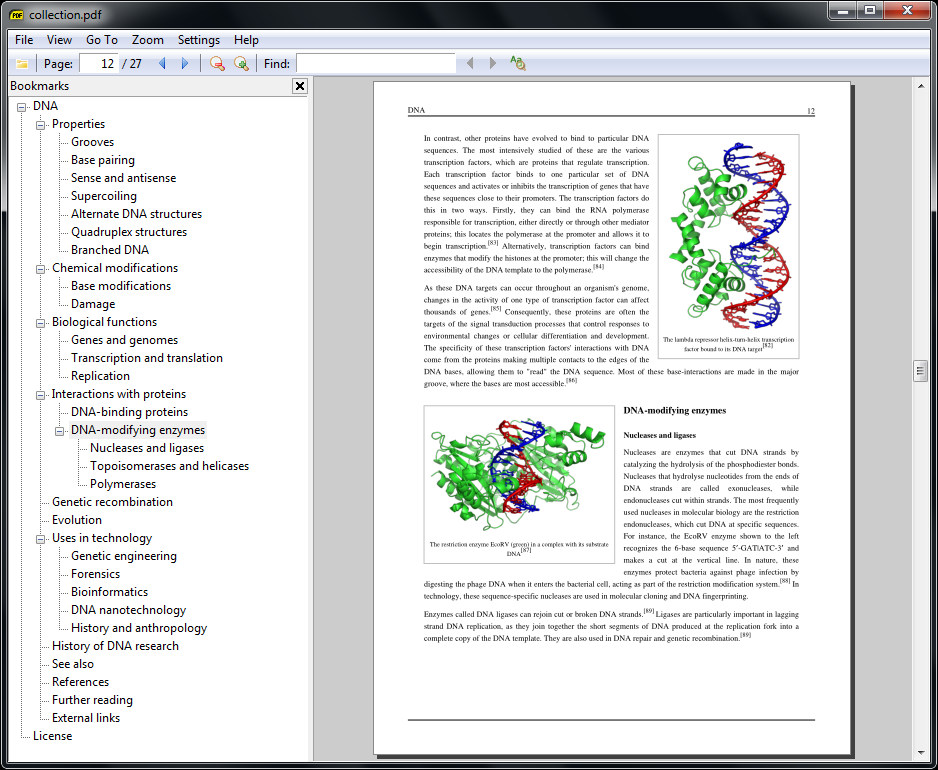
Clean Reading View
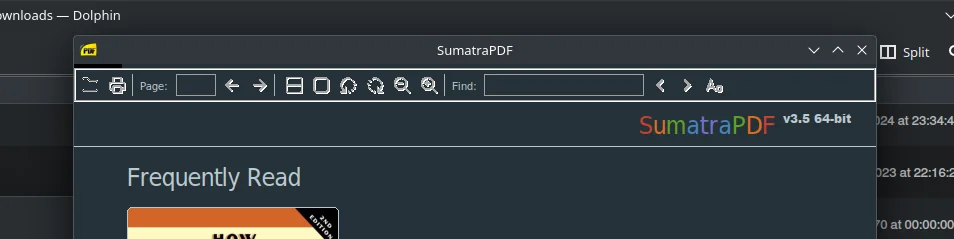
Multiple Documents
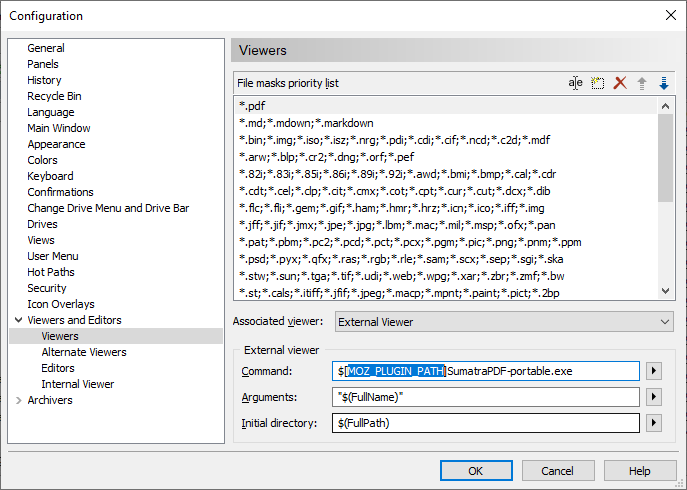
Simple Settings
About SumatraPDF
SumatraPDF is the fastest, lightest and most popular PDF reader for Windows. It is designed to be extremely simple, fast and efficient while supporting multiple document formats.
In version 3.5 (May 2026), SumatraPDF received improved performance, better Windows 11 support and enhanced rendering quality.
The program is completely free, open-source and contains no ads or telemetry.
SumatraPDF has earned its reputation as one of the best PDF readers for Windows by focusing on what matters most: speed, simplicity and low resource usage. While many other PDF readers come packed with toolbars, side panels, cloud integration and unnecessary features, SumatraPDF takes the opposite approach — it is deliberately minimal and lightning-fast.
The application opens PDF files almost instantly, even very large documents, and uses very little memory and CPU. This makes it ideal for everyday use, especially on older computers or when working with hundreds of PDF files. Many users report that SumatraPDF opens documents noticeably faster than Adobe Acrobat Reader, Foxit, or Edge.
SumatraPDF supports not only PDF, but also EPUB, MOBI, DjVu, XPS, CBZ, FB2 and other formats. This makes it a true multi-format document viewer that can replace several specialized programs at once.
The interface is extremely clean. When you open a document, you see only the content with minimal controls. There are no distracting ribbons or heavy toolbars by default. All the most important functions are available through simple keyboard shortcuts or a very minimal top menu, allowing you to focus entirely on reading.
Despite its simplicity, SumatraPDF offers everything a typical user needs: smooth scrolling, zoom, page rotation, full-screen mode, search within documents, copy text, print, and the ability to open multiple documents in tabs. Advanced users can customize the toolbar, change keyboard shortcuts, and even use the command-line interface for automation.
The program is completely portable. You can run it directly from a USB flash drive without installation, leaving no traces on the host computer. This is especially useful for users who work on different machines or need a portable PDF reader.
Being open-source, SumatraPDF is regularly updated by a dedicated community of developers. Version 3.5 (May 2026) brought significant improvements in rendering quality, better support for modern Windows 11 features, faster loading of large PDFs, and improved compatibility with high-DPI displays.
Many users choose SumatraPDF as their default PDF reader because it is fast, reliable, and does not try to push unwanted features, subscriptions or cloud services. It simply does its job extremely well — displaying documents quickly and cleanly.
SumatraPDF is especially popular among students, researchers, lawyers, accountants and anyone who works with large numbers of PDF documents daily. Its speed and low resource usage make it the preferred choice when performance matters.
In 2026, with Windows 11 being the main operating system for most users, SumatraPDF continues to be one of the most recommended lightweight PDF readers. It proves that sometimes the simplest solution is the best one.
Key Features
- Extremely fast PDF loading and rendering
- Supports PDF, EPUB, MOBI, DjVu, XPS, CBZ and more
- Very small size and low memory usage
- Simple and clean interface
- Tabbed interface for multiple documents
- Customizable toolbar and keyboard shortcuts
- Portable version available
- Completely free and open source
System Requirements
- Windows 11 / Windows 10 / Windows 8.1 / Windows 7
- 256 MB RAM
- 15 MB free disk space
Alternatives to SumatraPDF
- Foxit PDF Reader — feature-rich PDF reader
- PDF-XChange Viewer — powerful and lightweight
- Adobe Acrobat Reader — official PDF reader
- Edge Browser — built-in Windows PDF viewer