
PrivaZer 4.0.12
Latest version • Updated May 2026
PrivaZer is a powerful free PC cleaner and privacy protector. It deeply cleans junk files, browser traces, cookies, history, and securely deletes sensitive data that other cleaners often miss. Excellent alternative to CCleaner for users who want maximum privacy and thorough cleaning.
Download PrivaZer FreeScreenshots of PrivaZer
Here you can see how PrivaZer works. Clean interface, detailed scan results, privacy analysis and deep cleaning options.
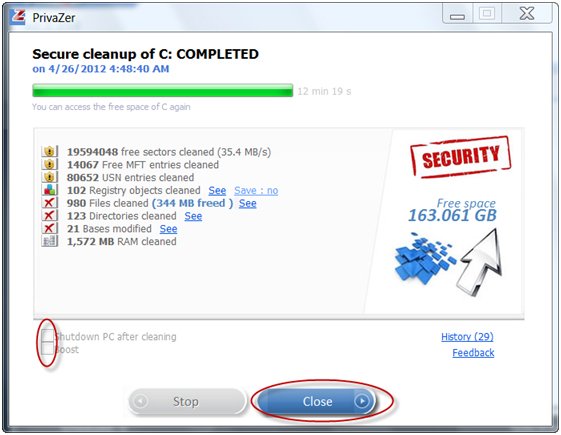
Main Dashboard & Scan Overview
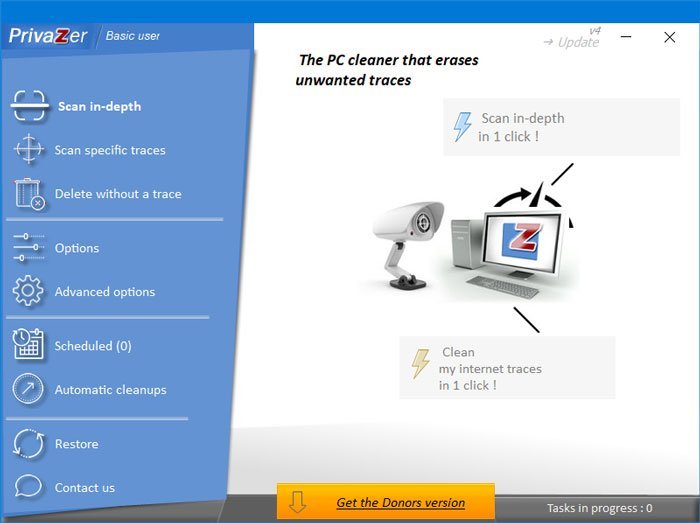
Deep Scan Results
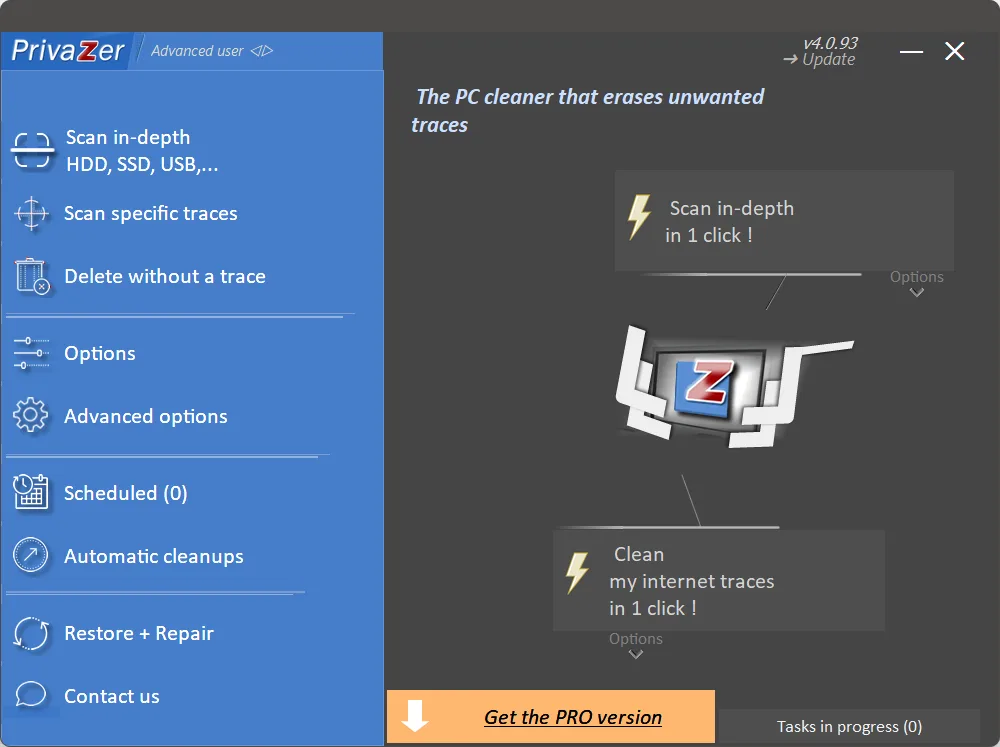
Privacy & Secure Deletion Settings
About PrivaZer
PrivaZer is a powerful free PC cleaner and advanced privacy protection tool that goes far beyond standard cleaners like CCleaner or Wise Disk Cleaner. It deeply scans your computer and safely removes junk files, temporary files, browser traces, cookies, history, Windows prefetch files, Master File Table (MFT) entries, hibernation files, and many other hidden traces that most programs miss.
What makes PrivaZer truly unique is its strong focus on privacy. Unlike regular cleaners that simply delete files, PrivaZer uses secure overwriting algorithms (multiple passes) to make deleted files virtually unrecoverable. This is especially important if you work with sensitive data, financial documents, or personal information.
In version 4.0.12 (May 2026), PrivaZer received major improvements: faster deep scanning algorithms, better support for modern Windows 11 features, enhanced cleaning of Edge and Chrome traces, and improved detection of residual data left by modern applications. It remains completely free, lightweight, and does not contain any ads or forced upgrades.
PrivaZer is especially popular among users who want maximum privacy and thorough cleaning. It is trusted by privacy-conscious individuals, IT specialists, and people who frequently delete sensitive files. The program analyzes your usage habits and shows exactly what data is stored on your PC, helping you understand and control what information remains on your hard drive or SSD.
Why Choose PrivaZer?
While most cleaners only remove obvious temporary files, PrivaZer performs a deep and intelligent analysis of your system. It finds traces of previously installed programs, old Windows updates, browser history from all installed browsers, thumbnails, and even residual data from applications that were uninstalled long ago. This level of cleaning helps not only free up significant disk space (often several gigabytes), but also improves overall system performance and protects your privacy.
Key Features
- Deep cleaning of junk files, cache, logs, and temporary data from the entire system
- Secure file deletion with multiple overwriting passes (makes deleted files unrecoverable)
- Thorough browser traces cleaning (Chrome, Firefox, Edge, Brave, Opera, and others)
- Safe Windows registry cleaning with backup option
- Master File Table (MFT) cleaning and prefetch file optimization
- Cleaning of hibernation files, restore points, and old Windows update files
- Very low system resource usage during scanning and cleaning
- Portable version available — no installation required
- Smart suggestions based on your usage patterns
- Support for SSDs and modern storage devices
How PrivaZer Protects Your Privacy
PrivaZer goes beyond simple cleaning. It can find and securely delete: - Traces of previously visited websites - Cookies and tracking data - Saved passwords (if you want to remove them) - Thumbnail cache and preview files - Recent files lists - Chat history from messengers - Temporary files from video players, office applications, and more
What's New in Version 4.0.12 (May 2026)
- Improved deep cleaning algorithms for Windows 11
- Faster scanning speed on SSD drives
- Better detection of modern browser traces
- Enhanced secure deletion methods
- Improved user interface and user experience
System Requirements
- Windows 11 / Windows 10 / Windows 8.1
- 1 GB RAM
- 50 MB free disk space
Alternatives to PrivaZer
- BleachBit — powerful open-source cleaner
- CCleaner Free — most popular option
- Wise Disk Cleaner — fast and lightweight
- Advanced SystemCare Free — all-in-one optimizer