PDF24 Tools 2026
Latest version • Updated May 2026
PDF24 Tools is a powerful, completely free all-in-one PDF toolkit for Windows. It allows you to split, merge, compress, convert, edit, add OCR, protect PDFs and perform many other tasks without any ads or watermarks.
Whether you need to combine multiple documents into one file, split a large PDF into smaller parts, reduce file size, rotate pages, extract specific content or add text recognition (OCR), PDF24 Tools handles all these tasks quickly, safely and locally on your computer.
Trusted by millions of users worldwide, PDF24 Tools is known for its simplicity, excellent performance and the fact that it is truly free — no hidden limitations, no watermarks and no forced subscriptions.
Download PDF24 Tools FreeScreenshots of PDF24 Tools
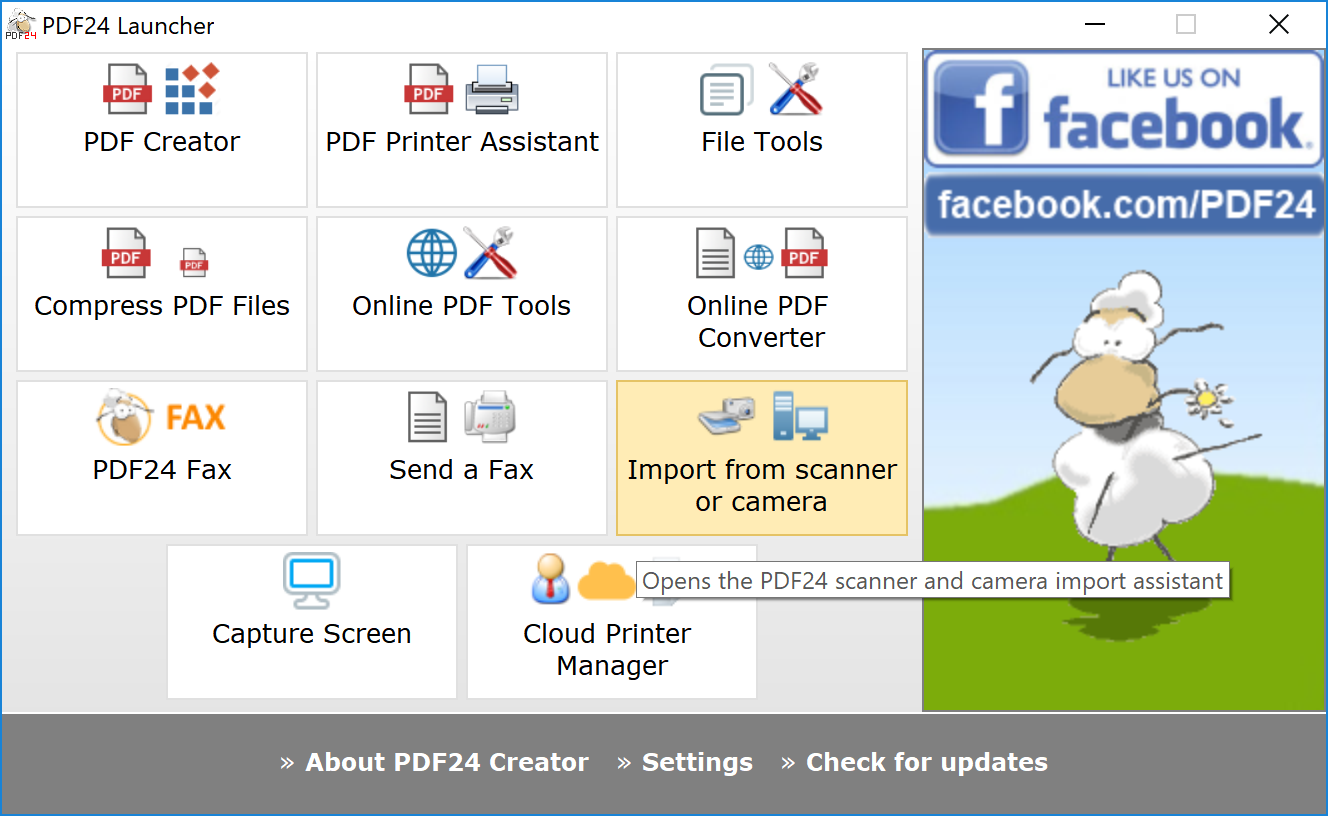
Main Tools Dashboard
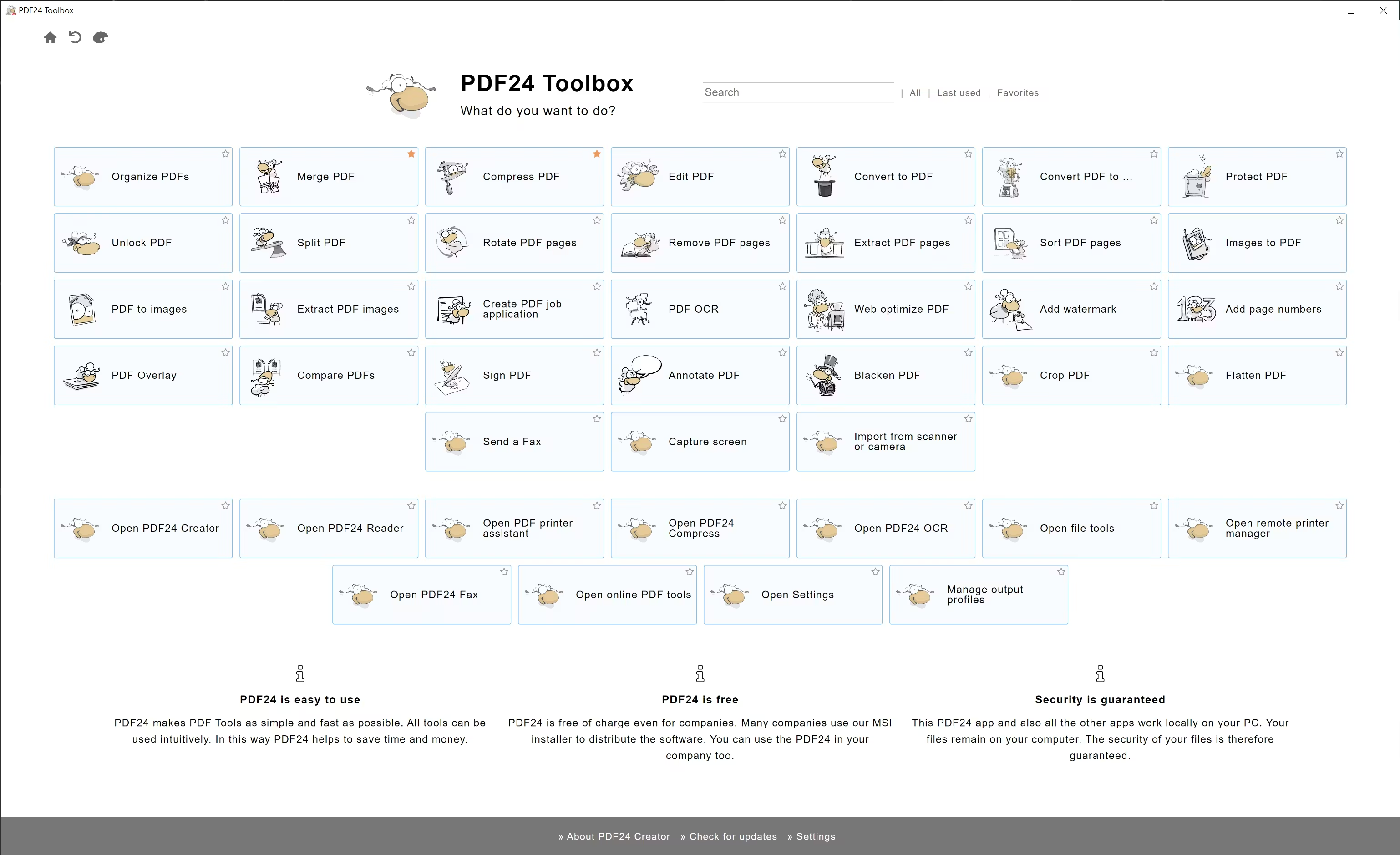
Merge & Split PDF
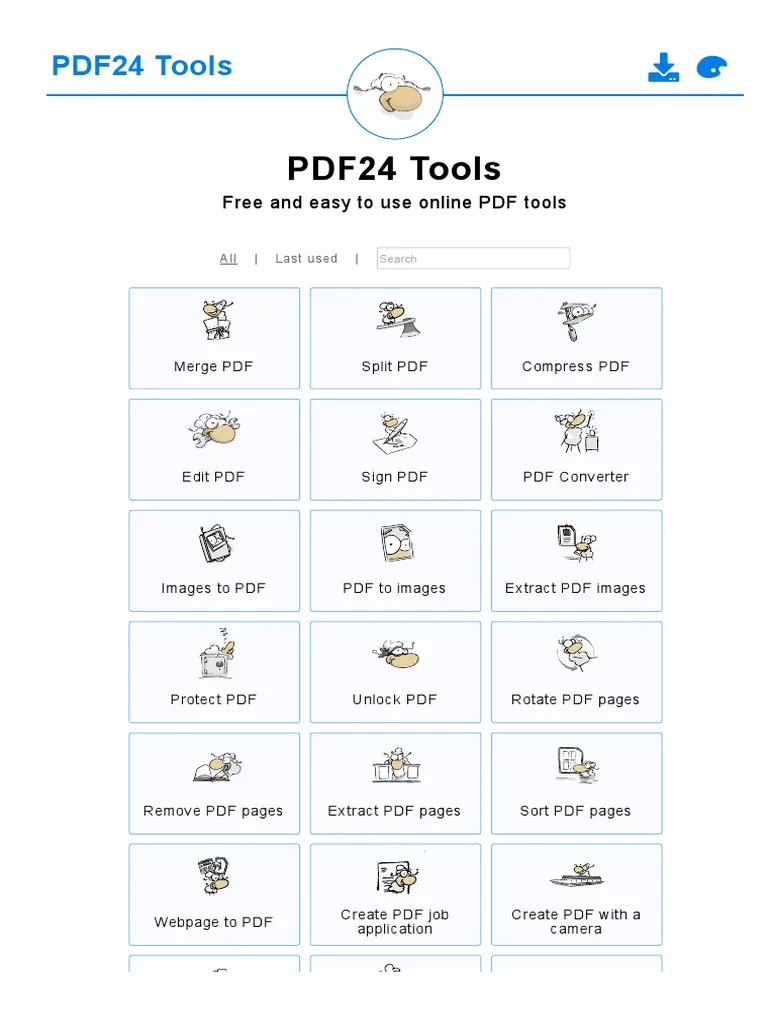
Compress & OCR
About PDF24 Tools
PDF24 Tools is a powerful, completely free all-in-one PDF toolkit for Windows. It provides a wide range of tools to work with PDF files: merge, split, compress, convert, rotate, edit, add OCR, protect with password and many more.
In version 2026 (May 2026), PDF24 Tools received improved performance, better Windows 11 support and new useful features.
The program is trusted by millions of users because it is safe, effective, contains no ads and does not add watermarks to output files.
PDF24 Tools has become one of the most popular free PDF solutions for Windows users who need a complete set of tools without paying for expensive software or dealing with watermarks and advertisements. Developed by a German team, PDF24 Tools offers a clean, fast and reliable way to handle almost any PDF-related task directly on your computer.
The toolkit includes everything you need for everyday PDF work. You can easily merge multiple PDF files into one document, split a large PDF into smaller files by pages or ranges, compress PDFs to reduce file size dramatically, rotate pages, extract or delete specific pages, convert PDF to Word, Excel, JPG or other formats, and much more. All these operations are performed locally on your PC without uploading files to any third-party servers.
One of the most appreciated features is the built-in OCR (optical character recognition). This allows you to convert scanned PDFs or images into searchable and editable text. This is especially useful for students, researchers, lawyers and office workers who frequently work with scanned documents or old archives.
PDF24 Tools also offers strong security features. You can protect your PDFs with passwords, set permissions (such as disabling printing or editing), and even digitally sign documents. The program handles these tasks safely and efficiently without compromising the quality of your files.
The interface is designed to be simple and user-friendly. Each tool has its own clear module, so you don’t get lost in complicated menus. You can see a real-time preview of the changes you are about to make, which helps avoid mistakes and saves time.
Another big advantage is that PDF24 Tools is completely free. There are no hidden limitations, no forced registration, no watermarks on the output files, and no annoying advertisements. The free version already contains all the tools that most users need on a daily basis.
In version 2026 (May 2026), the developers significantly improved performance when working with very large PDF files, added better support for modern Windows 11 features, enhanced the user interface and introduced several new useful tools requested by the community.
Many users choose PDF24 Tools as their main PDF solution because it is fast, reliable, safe and completely free. It is especially popular among students who need to combine lecture notes, office workers who regularly merge reports, and anyone who works with a large number of PDF documents.
The program is also portable. You can run it directly from a USB flash drive without installation, making it convenient to use on different computers or in environments where you cannot install software.
In 2026, with the growing amount of digital documents and the need for quick and safe PDF manipulation, PDF24 Tools remains one of the best free all-in-one PDF toolkits available for Windows users.
Key Features
- Merge multiple PDFs into one file
- Split PDF by pages or ranges
- Compress PDF to reduce file size
- Convert PDF to Word, Excel, JPG and other formats
- Rotate, delete or extract pages
- OCR (text recognition) support
- Protect PDF with password and permissions
- Simple and user-friendly interface
- Portable version available
- Completely free with no limitations
System Requirements
- Windows 11 / Windows 10 / Windows 8.1 / Windows 7
- 1 GB RAM (2 GB recommended)
- 150 MB free disk space
Alternatives to PDF24 Tools
- PDFsam Basic — open-source PDF toolkit
- Master PDF Editor — more advanced PDF editor
- Smallpdf Desktop — modern and easy to use
- LibreOffice Draw — free PDF editing