.png)
Logseq 0.10
Latest version • Updated May 2026
Logseq is a powerful open-source outliner and knowledge base application. It uses plain Markdown files, offers bi-directional linking, graph view, whiteboards and plugins — giving you complete ownership of your notes.
Built as a true local-first tool, Logseq stores everything as simple Markdown files on your device. This means you always own your data, can edit notes in any text editor, and are never locked into a proprietary cloud service.
With powerful bi-directional linking, an interactive graph view, visual whiteboards and a growing plugin ecosystem, Logseq is the perfect choice for students, researchers, writers and anyone building a personal knowledge base.
Download Logseq FreeScreenshots of Logseq
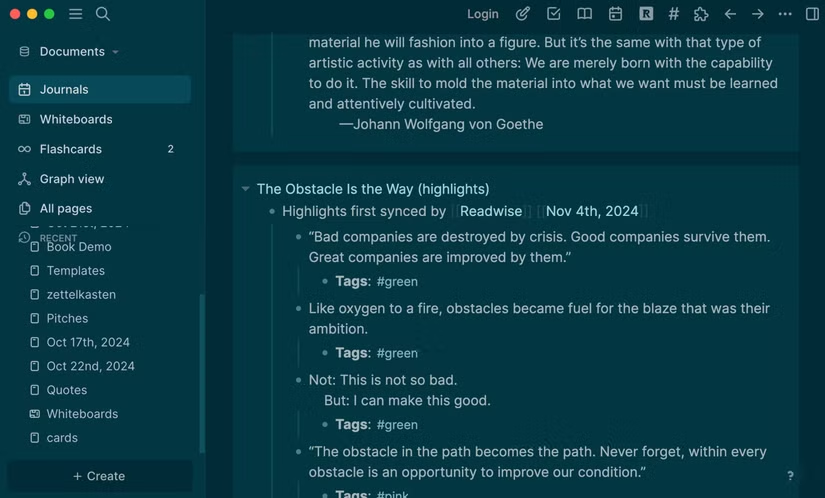
Daily Notes & Outliner
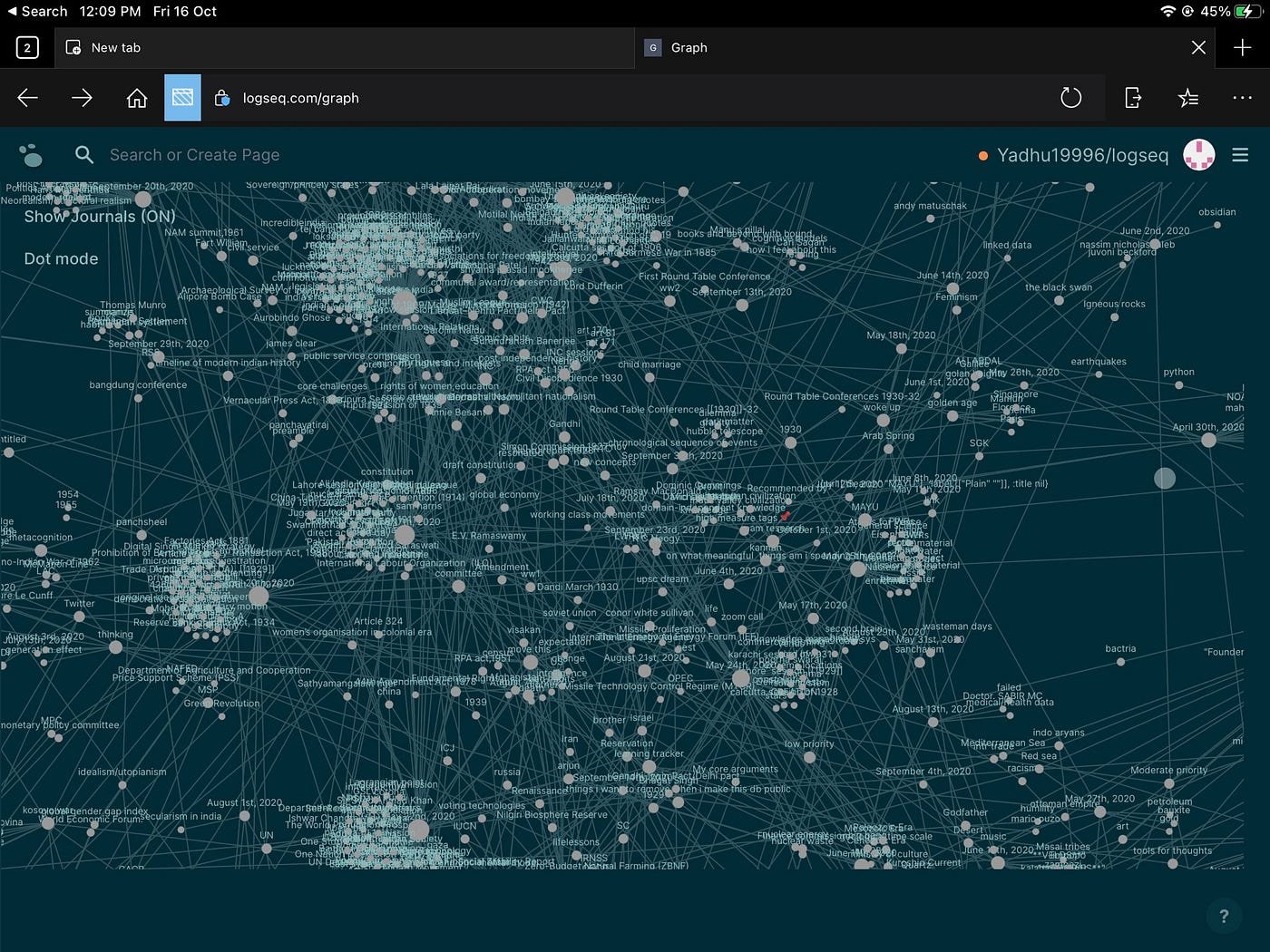
Knowledge Graph
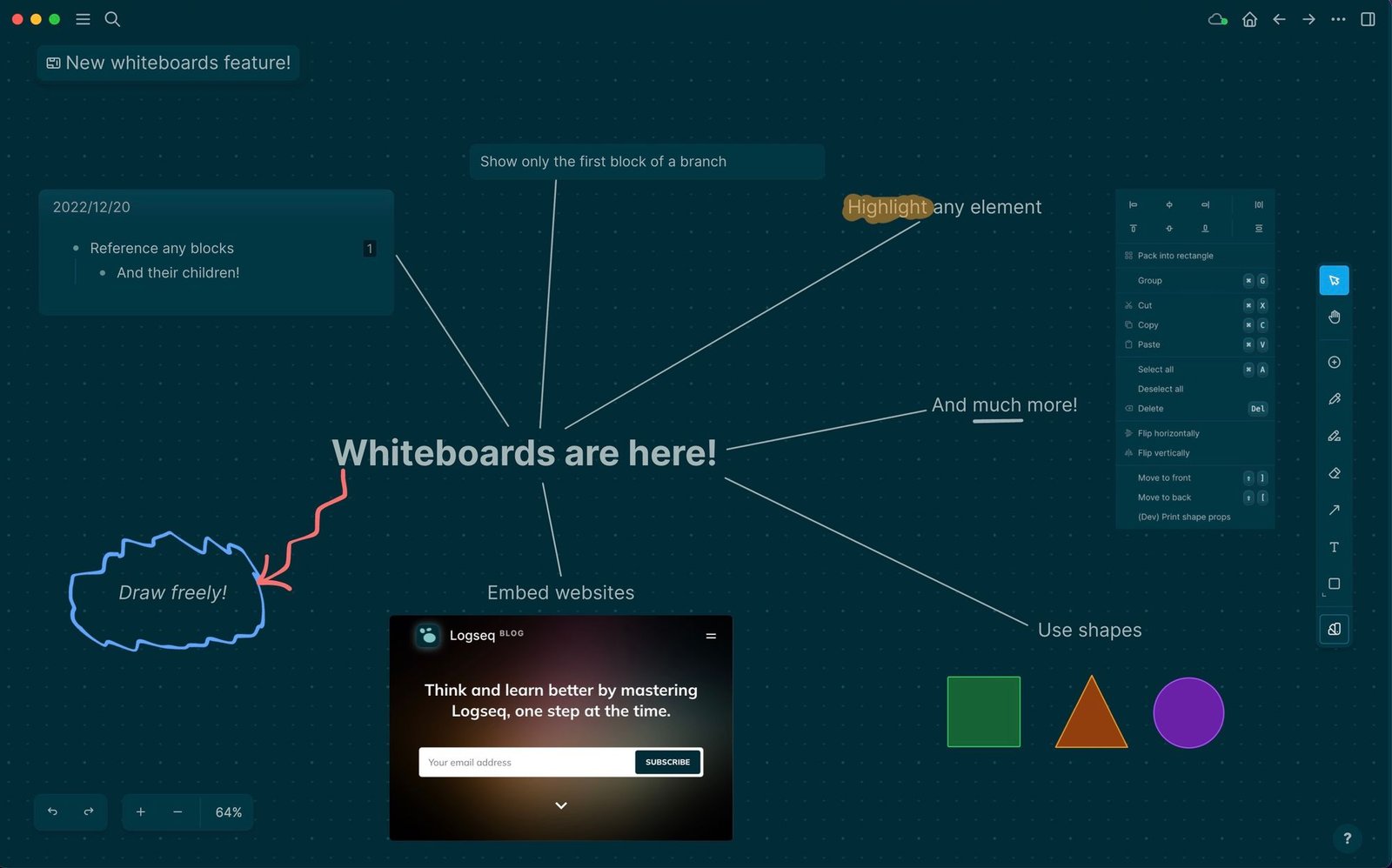
Whiteboard / Canvas
About Logseq
Logseq is a privacy-first, open-source outliner and knowledge management tool that works on local Markdown files. It is one of the best alternatives to Roam Research and Obsidian for users who want powerful bi-directional linking and a graph view.
In version 0.10 (May 2026), Logseq received major improvements in performance, graph view, whiteboard functionality and plugin ecosystem.
The application is completely free, open-source and has no ads or telemetry.
Logseq represents a new generation of note-taking applications that put the user in full control of their data. Unlike cloud-first tools that store everything on company servers, Logseq is built around the idea of local-first knowledge management. All your notes are saved as simple, plain Markdown files on your computer. This means you always own your data, can open it with any text editor, and are never locked into a proprietary format.
At its core, Logseq is an outliner. You write in blocks that can be easily reorganized, nested, and linked to each other. The real power comes from bi-directional linking: when you mention another note or block, Logseq automatically creates a two-way connection. This turns your notes into a personal knowledge graph where ideas are connected naturally, similar to how the human brain works.
The Graph View is one of the most impressive features. It visually displays all your notes and connections as an interactive network. You can zoom, pan, and click on any node to instantly jump to that note. This is incredibly useful for seeing relationships between ideas, discovering hidden connections, and navigating large knowledge bases.
Logseq also includes powerful Whiteboards (Canvas). You can create visual boards where you drag notes, blocks, images, PDFs, and drawings freely. This makes it perfect for brainstorming, mind mapping, planning projects, or organizing research visually.
Daily journaling is built in. Every day a new journal page is automatically created, encouraging consistent note-taking. You can quickly capture ideas, tasks, meetings, or thoughts and later link them to your permanent notes. The powerful query system lets you create dynamic pages that pull information from anywhere in your graph based on tags, properties, or content.
Because Logseq is open-source and local-first, it has a very active and passionate community. Thousands of users contribute plugins, themes, and improvements. The plugin ecosystem is growing rapidly, adding features like flashcards for spaced repetition, advanced queries, PDF annotation, calendar integration, and much more.
Privacy is at the heart of Logseq. There is no telemetry, no data collection, and no need to create an account. You can use it completely offline. When you want to sync across devices, you can choose your own sync method (Dropbox, OneDrive, iCloud, Syncthing, Git, or self-hosted solutions) or use the optional Logseq Sync service with end-to-end encryption.
In version 0.10 (May 2026), the developers made major performance improvements, especially for users with very large graphs. The graph view became faster and smoother, the whiteboard tools more powerful, and the editor received many quality-of-life improvements. Support for the latest Windows 11 features and high-DPI displays was also enhanced.
Logseq is truly cross-platform. It runs natively on Windows, macOS, Linux, Android, and iOS. Your notes stay in sync no matter which device you use. Many users run Logseq on their desktop for heavy work and on their phone or tablet for quick capture and review.
Whether you are a student building a second brain for studies, a researcher connecting ideas across papers, a writer organizing long-form content, a developer keeping technical notes, or simply someone who wants a better way to manage personal knowledge — Logseq offers a flexible, powerful, and truly user-owned solution.
In 2026, with growing concerns about data privacy and ownership, tools like Logseq continue to gain popularity. It strikes the perfect balance between simplicity and power, giving you the freedom to build your own knowledge system exactly the way you want it.
Key Features
- Bi-directional linking between notes
- Powerful graph view of your knowledge
- Whiteboard / canvas for visual thinking
- Daily journaling and outliner structure
- Markdown + block-based editing
- Plugins and themes support
- Local-first (all notes are plain Markdown files)
- Cross-platform (Windows, macOS, Linux, Android, iOS)
System Requirements
- Windows 11 / Windows 10 / Windows 8.1
- macOS 12+ / Linux
- 1 GB RAM (4 GB recommended for large graphs)
- 100 MB free disk space
Alternatives to Logseq
- Obsidian — beautiful graph view and plugins
- Notion Desktop — all-in-one workspace
- Joplin — simple and privacy-focused
- Anytype — local-first knowledge base