.png)
Joplin 3.2
Latest version • Updated May 2026
Joplin is a free, open-source note-taking application that respects your privacy. It supports Markdown, end-to-end encryption, works on all platforms and allows you to sync notes via Dropbox, OneDrive, WebDAV or Joplin Cloud.
Designed as a true privacy-first alternative to Evernote and Notion, Joplin stores all your notes locally in standard Markdown format, giving you complete ownership of your data. You can organize notes into notebooks and sub-notebooks, use powerful tagging, create to-do lists and enjoy fast full-text search across your entire collection.
With strong end-to-end encryption, seamless cross-platform synchronization and no ads or tracking, Joplin has become one of the most trusted open-source note-taking solutions for users who value privacy and simplicity.
Download Joplin FreeScreenshots of Joplin
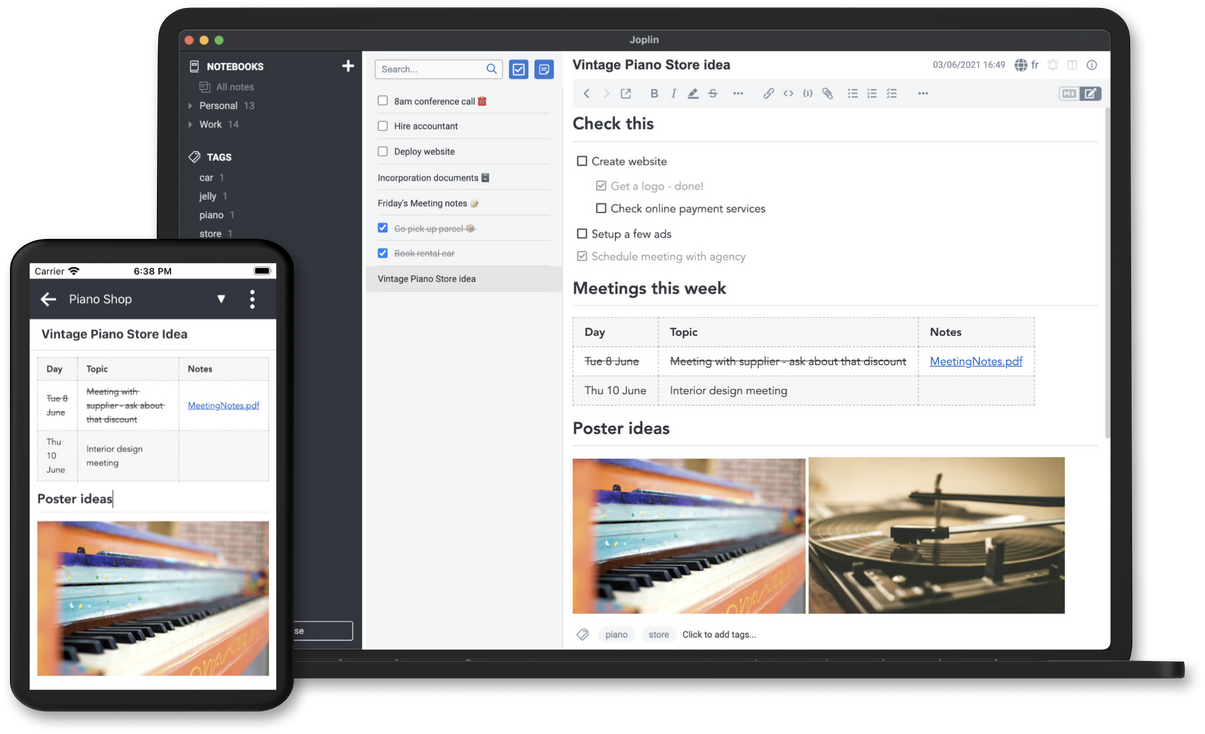
Main Interface
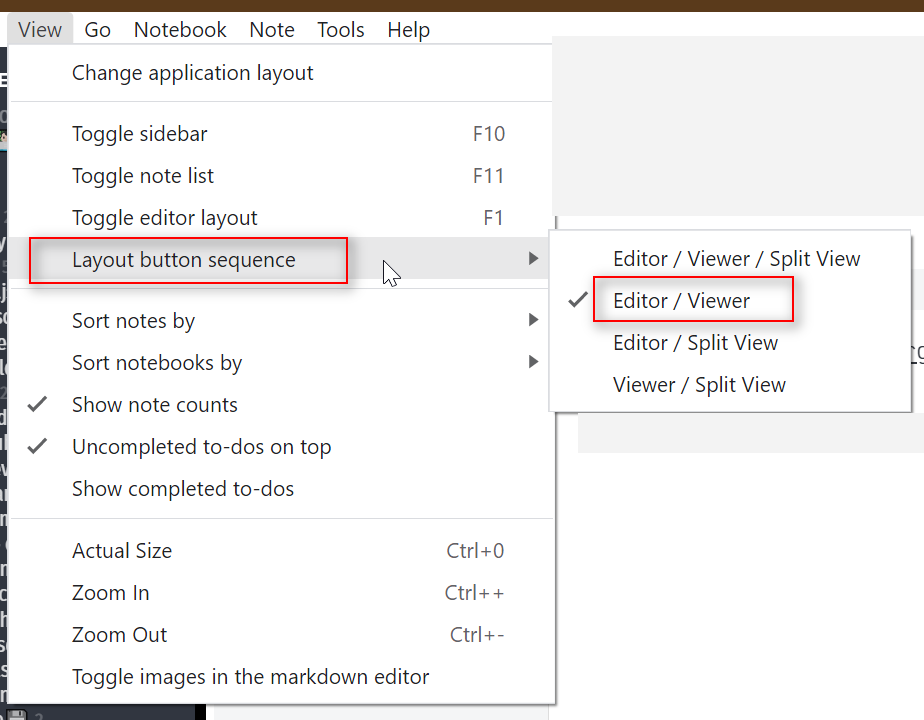
Markdown Editor
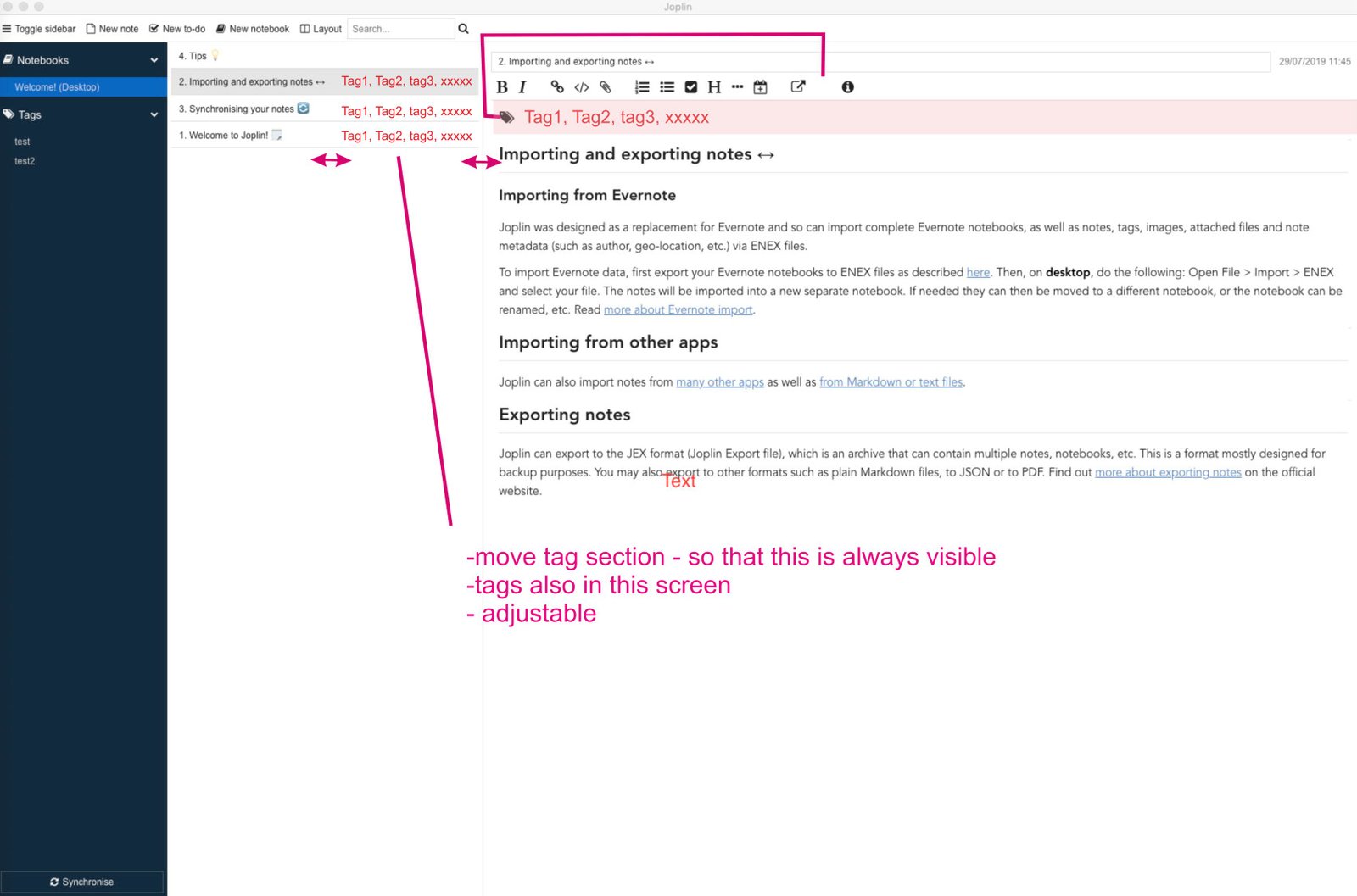
Notebooks & Tags
About Joplin
Joplin is a free and open-source note-taking application that focuses on privacy and simplicity. It is one of the best alternatives to Evernote and Notion for users who want full control over their data.
It supports Markdown, allows you to organize notes into notebooks and tags, and offers powerful search. All notes are stored locally in plain text format, so you always own your data.
In version 3.2 (May 2026), Joplin received improved performance, better synchronization, enhanced Markdown editor and full support for the latest Windows 11 features.
The application is completely free, has no ads, no telemetry, and is actively developed by a large community.
Joplin was created with one clear goal in mind: to give users a powerful, private, and future-proof note-taking experience without locking them into a proprietary ecosystem. Unlike many modern note-taking apps that store your data on company servers and collect information about your usage, Joplin stores everything locally on your device by default. This gives you complete ownership and peace of mind.
The application uses standard Markdown for formatting, which means your notes are plain text files that can be opened and edited with any text editor. This makes Joplin extremely portable and future-proof — even if the app itself stops being developed one day, your notes will remain fully accessible.
Joplin supports hierarchical organization through notebooks and sub-notebooks, as well as a powerful tagging system. You can quickly find any note using the excellent search function that works across titles, content, and tags. It also includes to-do lists with due dates and reminders, making it suitable for both personal note-taking and task management.
One of the strongest features of Joplin is its synchronization capabilities. You can sync your notes securely via Dropbox, OneDrive, Nextcloud, WebDAV, or the official Joplin Cloud service. When using end-to-end encryption (E2EE), even the sync provider cannot read your notes. This makes Joplin an excellent choice for users who value privacy but still need their notes available across multiple devices (Windows, macOS, Linux, Android, and iOS).
The Markdown editor in Joplin is rich and user-friendly. It offers both a WYSIWYG mode and a source code mode, along with a live preview. You can attach images, PDFs, and other files directly to notes. The latest version 3.2 brings a significantly improved editor with better performance, more formatting options, and enhanced support for tables and code blocks.
Privacy-conscious users particularly appreciate that Joplin has no built-in telemetry, no data collection, and no ads. The entire application is open-source, so anyone can audit the code. This transparency has earned it a very loyal user base among security and privacy enthusiasts.
Joplin is also highly customizable. You can change themes, install plugins to extend functionality, and even self-host the synchronization server if you want maximum control. The portable version allows you to run the application from a USB drive without leaving any traces on the host computer.
In 2026, with increasing concerns about data privacy and cloud service reliability, Joplin continues to grow in popularity. Many users who previously used Evernote or Notion are switching to Joplin because they want to own their data and avoid subscription fees.
Whether you are a student organizing lecture notes, a writer working on multiple projects, a developer keeping technical documentation, or simply someone who wants a reliable and private place for daily notes — Joplin offers a clean, powerful, and truly user-owned solution.
Key Features
- Markdown editor with rich preview
- End-to-end encryption support
- Sync via Dropbox, OneDrive, WebDAV, Nextcloud or Joplin Cloud
- Notebooks, sub-notebooks and tags
- Powerful search and to-do lists
- Cross-platform (Windows, macOS, Linux, Android, iOS)
- Portable version available
- Completely free and open source
- Plugin support and themes
- No telemetry or ads
System Requirements
- Windows 11 / Windows 10 / Windows 8.1
- macOS 12+ / Linux
- 512 MB RAM (2 GB recommended)
- 100 MB free disk space
Alternatives to Joplin
- Obsidian — beautiful knowledge base with graph view
- Notion Desktop — all-in-one workspace
- Logseq — open-source outliner
- Standard Notes — strong focus on privacy