.png)
IObit Uninstaller Free 14.3
Latest version • Updated May 2026
IObit Uninstaller Free is one of the most powerful uninstallers for Windows. It thoroughly removes programs, leftover files, registry entries and stubborn software that the built-in Windows uninstaller cannot handle.
Download IObit Uninstaller FreeScreenshots of IObit Uninstaller Free
Powerful and easy-to-use interface for complete program removal.
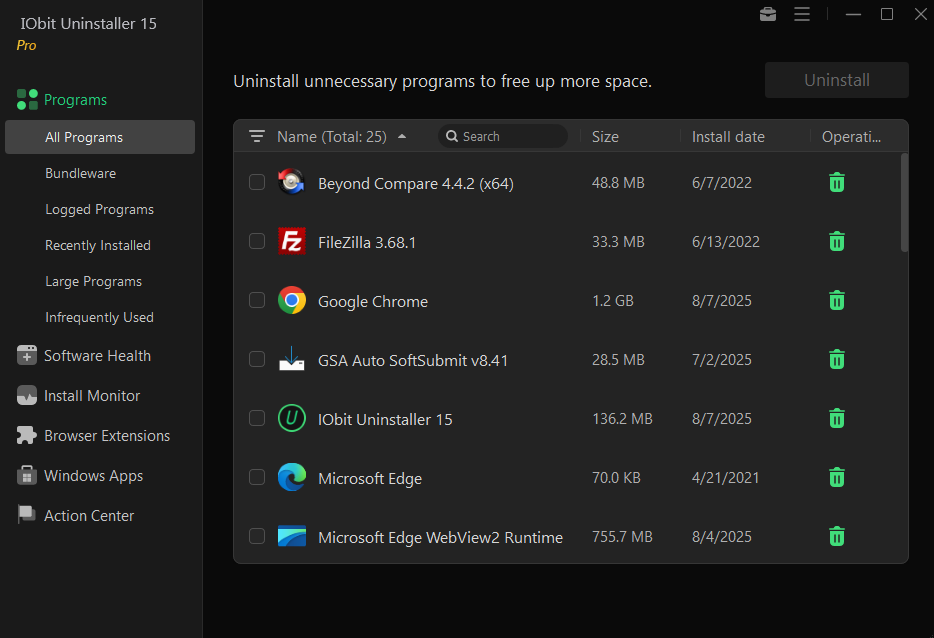
Installed Programs List
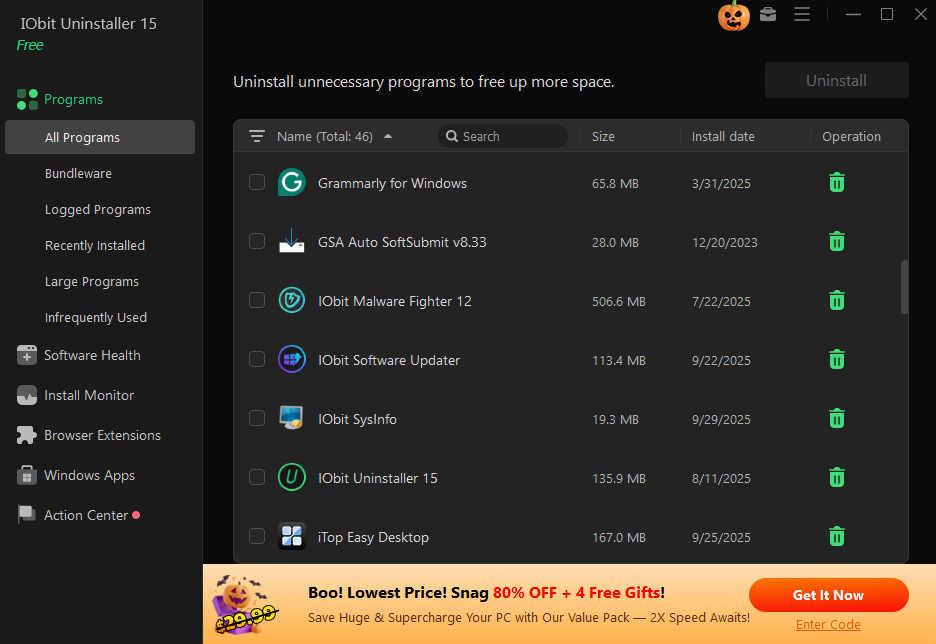
Deep Scan Results
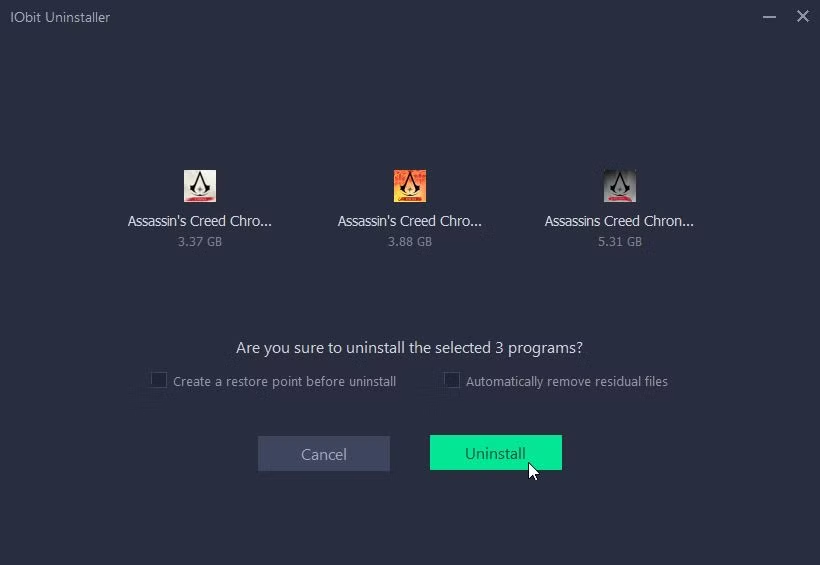
Batch Uninstall
About IObit Uninstaller Free
IObit Uninstaller Free is one of the most powerful and popular uninstallers for Windows. Unlike the built-in Windows uninstaller that often leaves behind many leftover files, registry entries, folders and other traces, IObit Uninstaller thoroughly removes programs and cleans up everything they leave behind.
It uses an advanced scanning system that finds leftover files, registry keys and other traces even after a normal uninstallation. This makes it an essential tool when you want to completely remove software and free up maximum disk space.
In version 14.3 (May 2026), IObit Uninstaller received improved detection algorithms, better Windows 11 support, faster scanning and a cleaner modern interface.
The free version is already very powerful and sufficient for most users. The paid Pro version adds real-time installation monitoring, forced uninstallation of stubborn programs and batch operations.
IObit Uninstaller is trusted by millions of users worldwide because it is safe, effective and gives you full control over what is removed from your system. It helps prevent system slowdowns, reduces clutter and improves overall Windows performance by removing hidden leftovers that accumulate over time.
Whether you are uninstalling old games, unwanted software, trial programs or bloatware, IObit Uninstaller ensures that nothing is left behind.
Many users install dozens of programs over time, and each of them leaves behind temporary files, registry entries, configuration data and other remnants. The standard Windows uninstaller only removes the main program files, leaving the system cluttered with junk that takes up disk space and can slow down your PC. IObit Uninstaller Free solves this problem by performing a deep scan after uninstallation and removing all traces automatically or with your approval.
The program is particularly useful for power users who frequently install and remove software, gamers who want to clean up after uninstalling large games, and anyone who wants to keep their Windows system clean and optimized. It supports batch uninstallation, allowing you to remove multiple programs at once, saving even more time.
IObit Uninstaller Free is known for its safety. It creates a backup of registry entries before making changes and allows you to restore them if needed. It also has a special "Forced Uninstall" mode for programs that refuse to be removed normally.
In addition to standard uninstallation, it includes tools to clean browser extensions, toolbars, plugins and other unwanted items that often come bundled with free software.
Key Features
- Thorough uninstallation with deep scanning for leftovers
- Advanced registry and file system cleaning
- Real-time installation monitoring (Pro version)
- Forced uninstallation of stubborn programs
- Browser extension cleaner
- Batch uninstall (remove multiple programs at once)
- Very safe and user-friendly
- Lightweight and fast performance
System Requirements
- Windows 11 / Windows 10 / Windows 8.1 / Windows 7
- 1 GB RAM
- 50 MB free disk space
Alternatives to IObit Uninstaller Free
- Revo Uninstaller Free — powerful alternative with deep cleaning
- CCleaner Free — has built-in uninstaller
- Geek Uninstaller — lightweight and portable
- Bulk Crap Uninstaller — open-source and very thorough