.jpg)
HWiNFO 9.0
Latest version • Updated May 2026
HWiNFO is the most detailed and professional hardware information and monitoring tool for Windows. It provides extremely accurate real-time data about CPU, GPU, RAM, motherboard, storage, sensors and every component of your PC. The favorite tool of overclockers, system builders and IT professionals.
Download HWiNFO FreeScreenshots of HWiNFO 9.0
Extremely detailed hardware monitoring and system information interface.
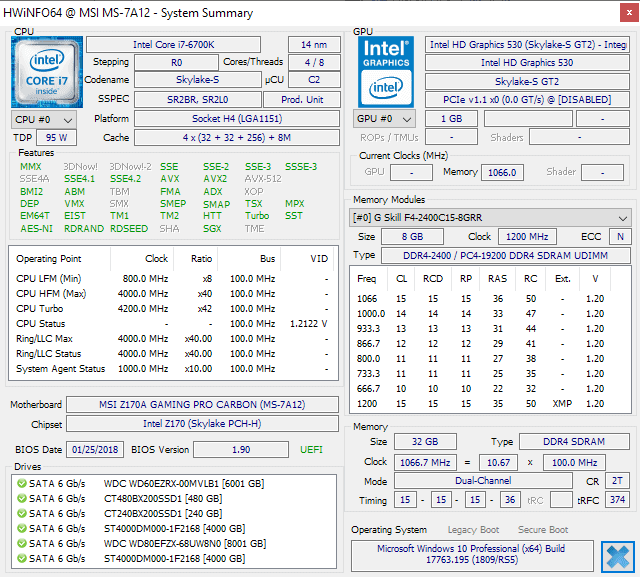
System Summary
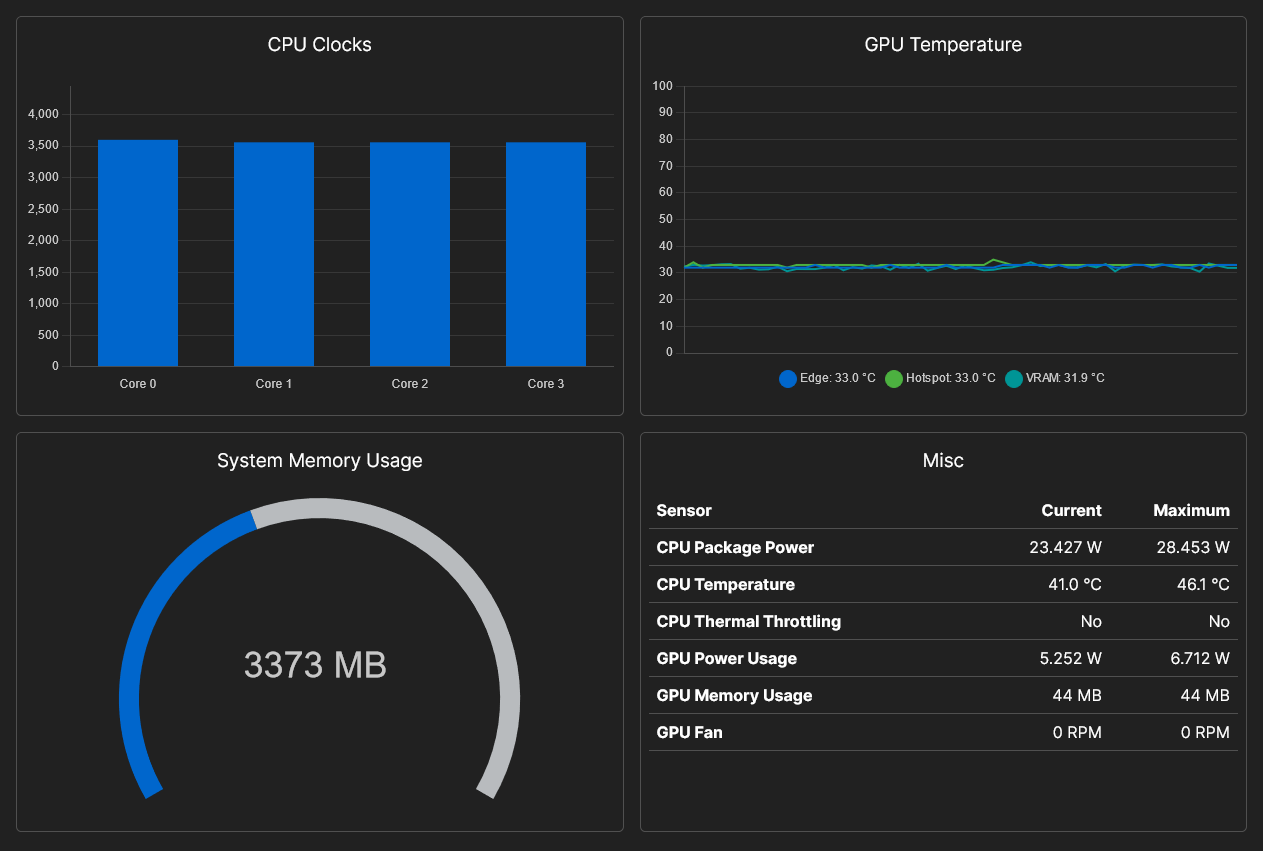
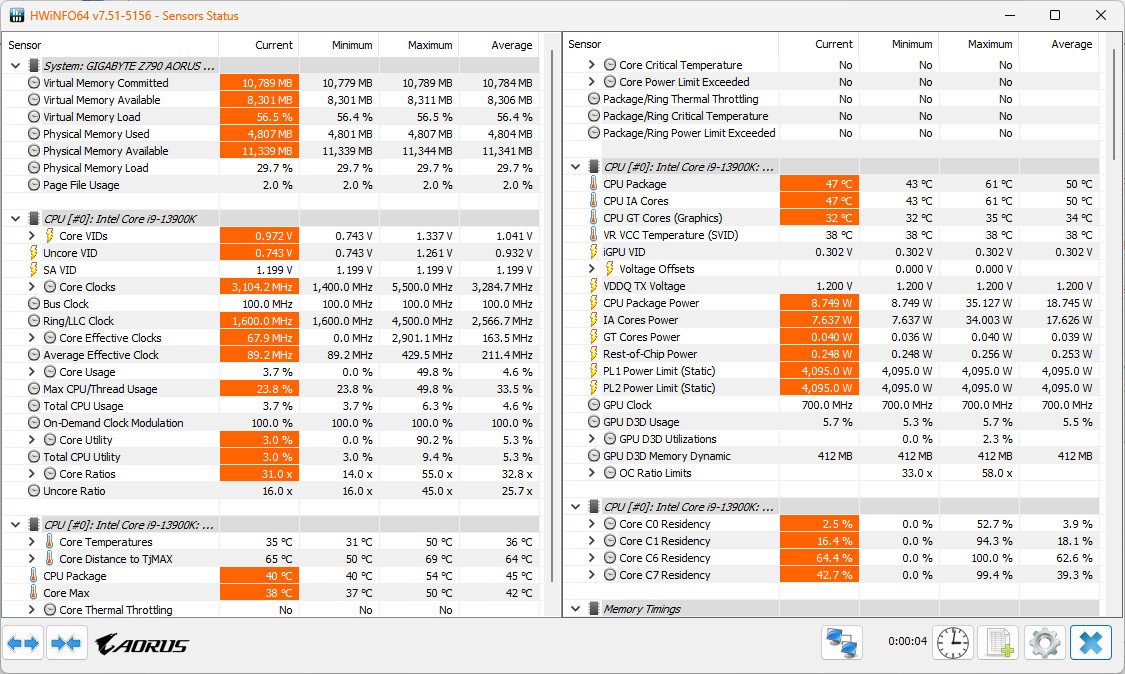
Real-time Sensors
CPU & GPU Details
About HWiNFO
HWiNFO is the most detailed and professional hardware information and monitoring tool for Windows. Developed by REALiX, it is widely regarded as the most accurate and comprehensive system diagnostics utility available.
HWiNFO provides extremely deep information about every component of your PC: CPU, GPU, motherboard, RAM, storage devices, sensors, fans, voltages, power consumption and much more. It is the tool of choice for overclockers, system builders, hardware reviewers and IT professionals who need the highest level of accuracy.
In version 9.0 (May 2026), HWiNFO offers improved support for the latest Intel and AMD processors, better DDR5 memory analysis, enhanced sensor monitoring and a more modern interface.
HWiNFO has a free version that is already very powerful, and a paid Pro version with additional features. The free version is sufficient for most users and is completely ad-free.
What sets HWiNFO apart from other monitoring tools is its unmatched depth and precision. It reads directly from hardware sensors and provides more detailed data than almost any other utility. Whether you need to monitor temperatures during heavy gaming, diagnose hardware issues, validate a new PC build, or perform professional system audits, HWiNFO delivers the most reliable information.
Millions of users worldwide rely on HWiNFO every day because of its accuracy, speed, stability, and the sheer amount of technical data it provides. It is often used together with tools like GPU-Z or Core Temp to get the complete picture of system hardware.
Key Features
- Extremely detailed hardware and sensor information
- Real-time monitoring of temperatures, voltages, fan speeds and power
- Comprehensive benchmarks and stress testing
- Support for the latest processors and hardware generations
- Customizable monitoring panels and logging
- Export reports in multiple formats
- Very accurate and reliable sensor readings
- Lightweight and stable performance
System Requirements
HWiNFO is well optimized and runs smoothly on both older and modern Windows systems. For heavy stress testing and benchmarking sessions, more RAM is recommended.
- Windows 11 / Windows 10 / Windows 8.1 / Windows 7
- 1 GB RAM (2 GB+ recommended for stress tests and benchmarks)
- 50 MB free disk space
Alternatives to HWiNFO
If you are looking for other system diagnostics, monitoring and benchmarking tools, here are the most popular alternatives to HWiNFO:
- AIDA64 Extreme — very detailed but paid
- Speccy — more user-friendly
- HWiNFO + GPU-Z — best free combination
- HWMonitor — simpler sensor monitoring