
BleachBit 4.6
Latest version • Updated May 2026
BleachBit 4.6 is a powerful free and open-source system cleaner for Windows that helps you safely delete temporary files, browser cookies, cache, logs, thumbnails, and other unnecessary data that takes up valuable disk space. It is one of the most trusted privacy and cleaning tools available in 2026, allowing you to free up gigabytes of space, improve system performance, and protect your privacy by removing traces of your online activity. BleachBit is completely free, has no ads, no telemetry, and no paid upgrades — everything is open-source and fully transparent. It works perfectly on Windows 11 and Windows 10, cleans all major browsers (Chrome, Firefox, Edge), and can even wipe free disk space to make deleted files unrecoverable.
Download BleachBit 4.6 FreeScreenshots
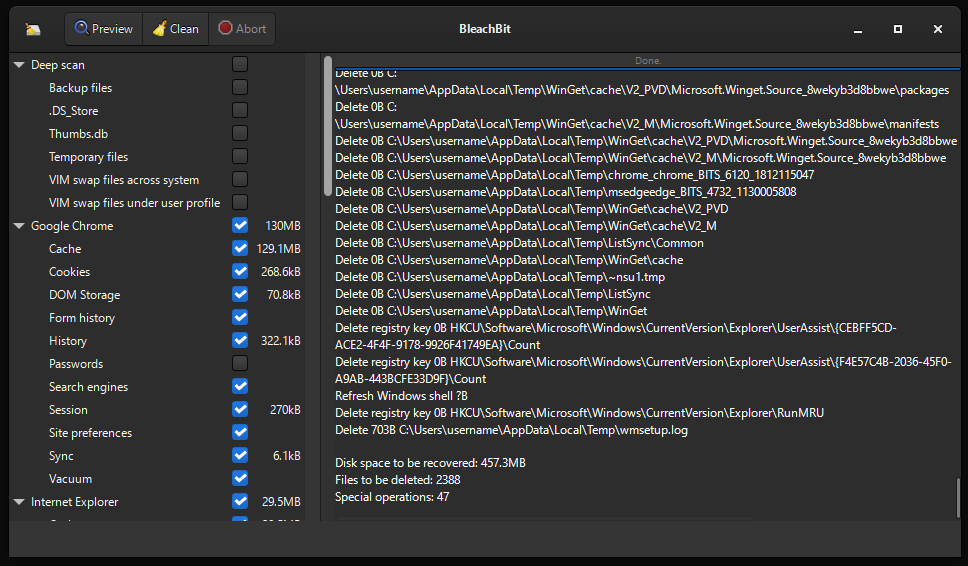
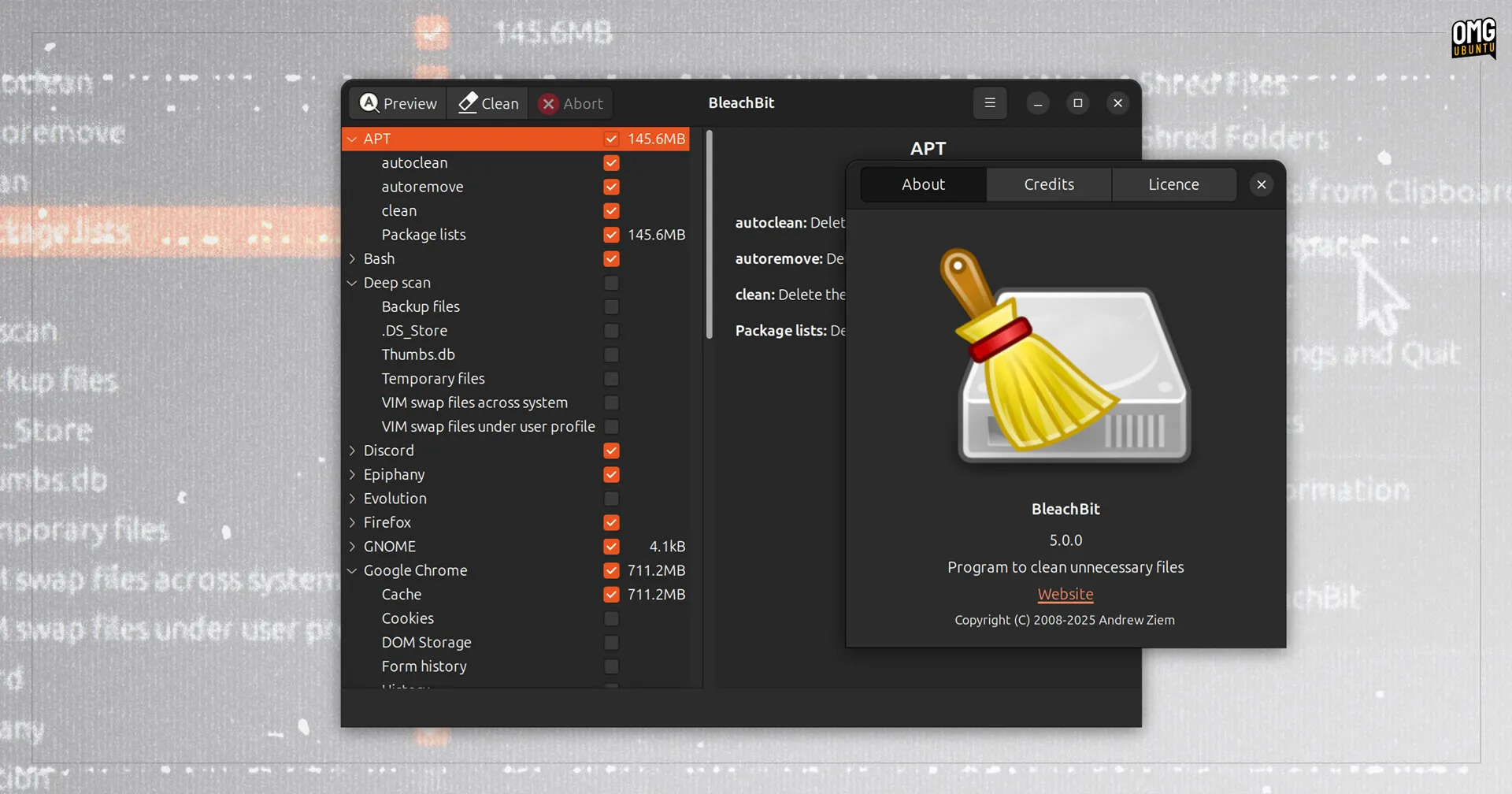
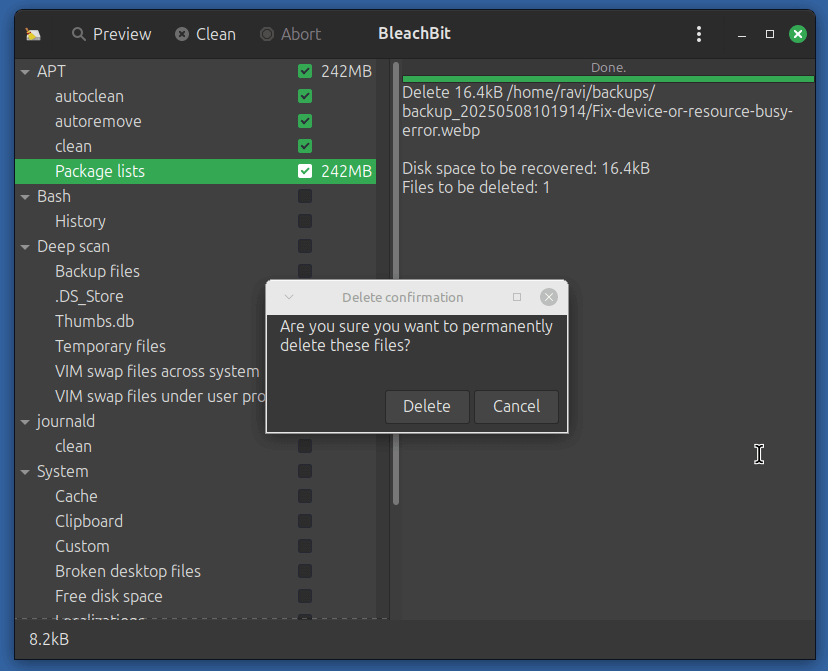
About BleachBit
BleachBit 4.6 is a powerful, free, and open-source system cleaner designed to safely remove unnecessary files, temporary data, cache, logs, cookies, and other junk that accumulates on your computer over time. It is one of the most trusted and respected cleaning tools among advanced users, privacy enthusiasts, and system administrators who want to free up massive amounts of disk space while protecting their privacy.
Unlike many commercial cleaners that come with ads, upsells, or telemetry, BleachBit is completely transparent and open-source. It does not collect any personal data, shows no advertisements, and gives you full control over what is cleaned. With BleachBit you can securely wipe browser data from Chrome, Firefox, Edge, Brave, and many other applications, remove Windows temporary files, old update files, hibernation files, thumbnails, and even shred free disk space so that deleted files cannot be recovered.
In version 4.6 (May 2026) the developers have further improved cleaning performance, added better support for the latest Windows 11 updates, enhanced deep cleaning of modern browsers, and optimized the tool for SSD drives. BleachBit is widely used by people who want to keep their system fast, clean, and private without installing heavy all-in-one optimizers.
Whether you are a regular user who wants to free up gigabytes of space or a privacy-conscious person who wants to remove traces of online activity, BleachBit 4.6 delivers professional-grade cleaning results while remaining extremely lightweight and easy to use.
Key Features
- Deep cleaning of temporary files, cache, logs, thumbnails, and Windows junk files
- Secure file shredding with multiple passes (makes deleted files unrecoverable)
- Comprehensive cleaning of all major browsers (Chrome, Firefox, Edge, Brave, Opera, etc.)
- Removal of old Windows update files, hibernation files, and restore points
- Custom cleaners and full command-line support for advanced users and automation
- Completely free and open source with no ads, no telemetry, and no paid upgrades
- Built-in option to wipe free disk space for maximum privacy
- Support for cleaning application-specific data (Office, Adobe, media players, etc.)
- Portable version available — no installation required
- Regular updates and active development by the open-source community
System Requirements
BleachBit 4.6 is extremely lightweight and was designed to run smoothly on almost any Windows computer — from older machines to the latest high-end Windows 11 systems. It uses very little RAM and CPU, making it perfect even for low-spec PCs and laptops.
- Windows 11 / Windows 10 / Windows 8.1 (32-bit and 64-bit supported)
- macOS support via Wine (experimental, not officially supported)
- Linux support (native packages available for most distributions)
- 512 MB RAM minimum (1 GB or more recommended for best performance)
- 50 MB free disk space during installation
- Internet connection is optional (only needed for checking updates)
- Fully compatible with the latest Windows 11 24H2 update
Alternatives to BleachBit
If you are looking for other free system cleaners in 2026, here are the most popular and effective alternatives to BleachBit. Each tool has its own strengths depending on whether you prefer simplicity, speed, or all-in-one optimization.
- CCleaner Free — more user-friendly interface with a lot of additional features and a familiar design for most users
- Wise Disk Cleaner — very lightweight and fast cleaner that focuses purely on disk cleanup without extra modules
- Advanced SystemCare Free — all-in-one PC optimizer that includes cleaning, optimization, and security tools in one program
- PrivaZer — excellent privacy-focused cleaner with very deep cleaning capabilities and secure deletion options
- EasyCleaner — simple and straightforward cleaner suitable for beginners who want quick results