AutoHotkey v2.0.26
Latest version • Updated May 2026
AutoHotkey is the most powerful free and open-source automation tool for Windows. Create custom hotkeys, macros, automate repetitive tasks, build your own tools and GUIs. Used by millions of power users and developers to save time and increase productivity.
Download AutoHotkey FreeScreenshots of AutoHotkey v2.0.26
Clean scripting interface, powerful editor and real-time hotkey demonstration.
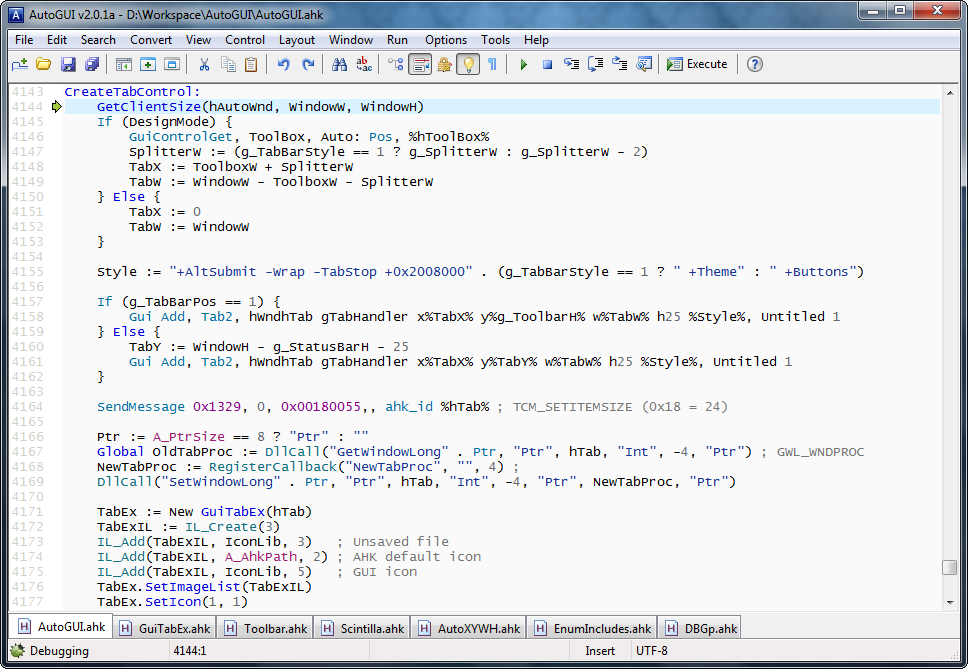
Script Editor
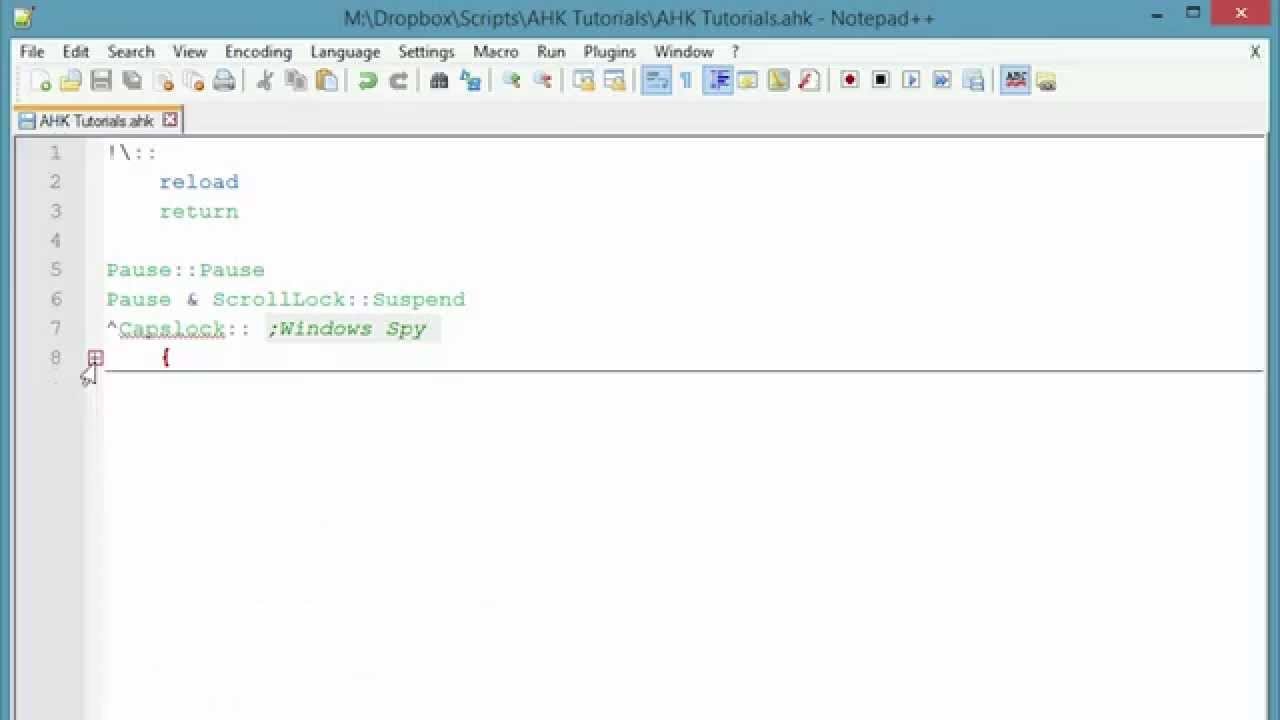
Hotkey Automation Example
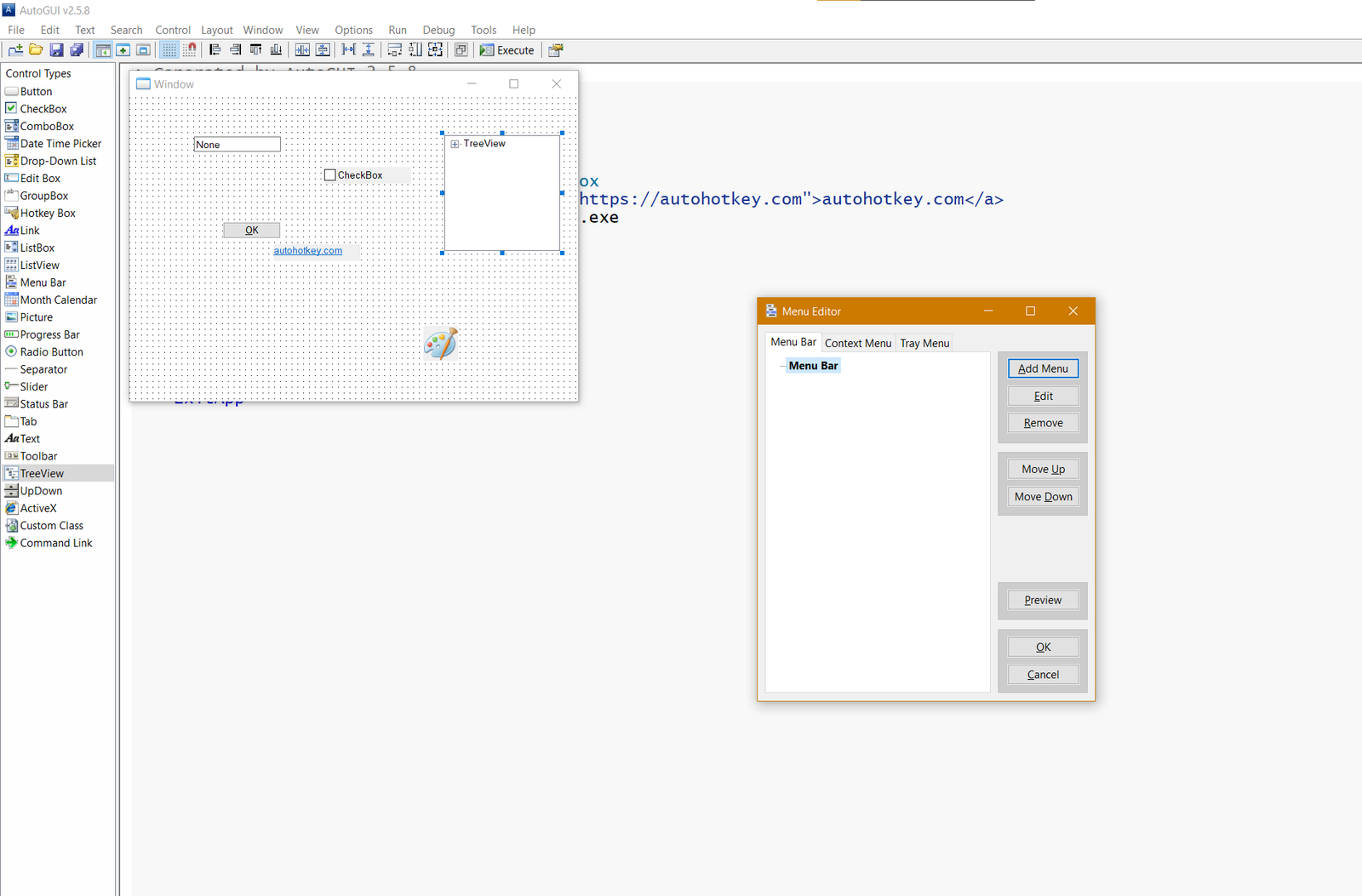
Custom GUI Builder
About AutoHotkey
AutoHotkey is the most powerful free and open-source scripting language and automation tool for Windows. It allows you to create custom hotkeys, macros, automate almost any repetitive task, build your own tools, graphical user interfaces (GUIs), and even complex applications with just a few lines of code.
Whether you want to remap keyboard keys, automate data entry in spreadsheets, control mouse movements, create shortcuts for any program, fill out forms automatically, or build fully functional desktop applications — AutoHotkey gives you unlimited possibilities without needing professional programming experience.
In version 2.0.26 (May 2026), AutoHotkey v2 brings a modern, cleaner syntax, significantly improved performance, better object-oriented programming support, native 64-bit execution, and many new features that make scripting even easier, faster and more powerful than ever before.
AutoHotkey is completely free, open-source, contains no ads, no telemetry, and is actively developed by a large and passionate community. It is trusted daily by millions of power users, developers, office workers, gamers, and IT professionals who use it to save hours of repetitive work and dramatically increase their productivity.
One of the biggest strengths of AutoHotkey is its flexibility. You can start with simple one-line hotkeys and gradually move to complex scripts that interact with windows, controls, files, the clipboard, web pages, and even other programs via COM objects and APIs. Many users create their own custom tools, automation suites, and even small applications entirely in AutoHotkey.
AutoHotkey is especially popular among people who work with repetitive tasks: accountants, data entry specialists, traders, gamers (for macros and quick actions), system administrators, and developers who want to automate testing or repetitive coding tasks. Thanks to its very low resource usage and lightning-fast execution, AutoHotkey runs smoothly in the background without slowing down your computer.
The community has created thousands of ready-made scripts and libraries that you can use immediately, covering everything from media control and window management to web scraping, PDF automation, and custom dashboards.
Key Features
- Create custom hotkeys and keyboard shortcuts for any program
- Automate mouse movements, clicks, and repetitive tasks
- Build custom GUIs, tools, and small applications
- Powerful scripting language with loops, conditions, functions, and objects
- Window and control manipulation (move, resize, activate, close)
- Text processing, clipboard automation, and file operations
- Support for COM objects, DLL calls, and external libraries
- Very lightweight and fast execution with minimal system impact
- Portable version available — no installation required
System Requirements
- Windows 11 / Windows 10 / Windows 8.1 / Windows 7
- 512 MB RAM
- 20 MB free disk space
Alternatives to AutoHotkey
- PowerToys — official Microsoft utilities with some automation features
- AutoHotkey v1 — classic version (still widely used by many users)
- AutoIt — similar scripting language with strong GUI automation
- Macro Recorder — simpler macro recording tools for beginners