
AdwCleaner by Malwarebytes
Latest version • Updated May 2026
Screenshots of AdwCleaner by Malwarebytes 8.8.1
AdwCleaner has a simple, clean and user-friendly interface. Below you can see how the program looks in action: from the main scan window to detailed results and browser reset tools. The interface is specially designed for both beginners and advanced users.
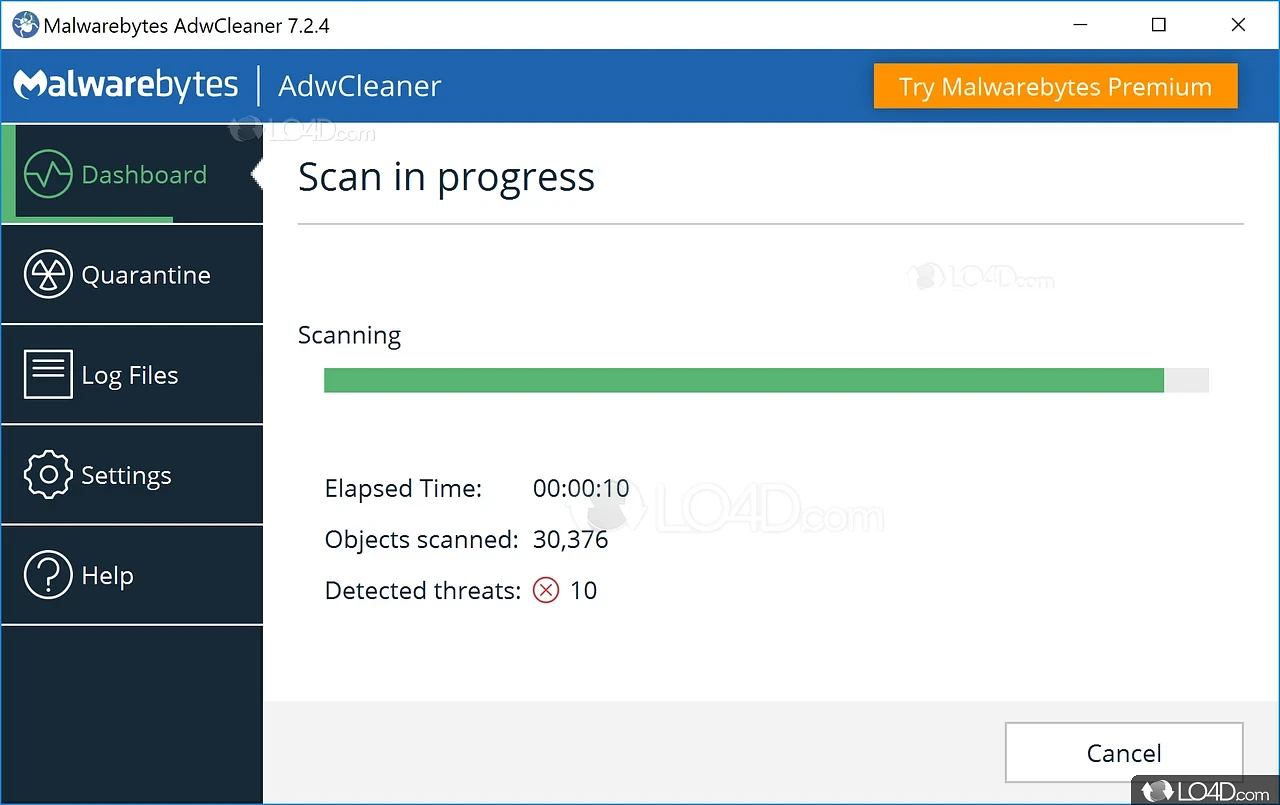
Main Scan Window – Quick Start
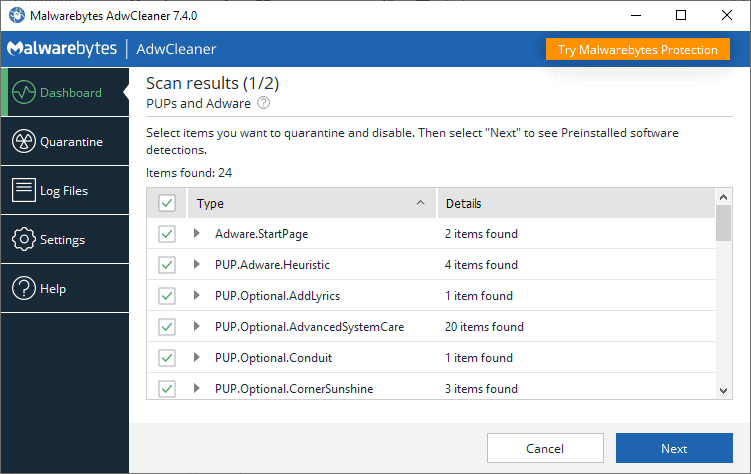
Scan Results – Detected Threats
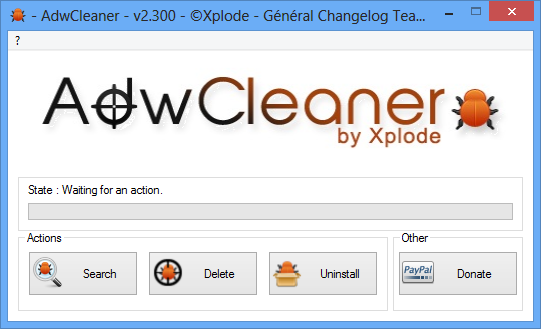
Browser Reset Tool – Chrome, Firefox, Edge
About AdwCleaner by Malwarebytes
AdwCleaner by Malwarebytes is a free specialized adware and PUP remover that has been helping millions of users worldwide since 2012. Unlike regular antivirus programs, AdwCleaner is specifically designed to detect and remove adware, browser hijackers, toolbars, unwanted programs (PUPs), malicious browser extensions, and other annoying software that often slips through standard protection.
The program works as a portable tool — no installation required. Just download, run and start scanning. In just a few minutes AdwCleaner finds and removes threats that slow down your browser, change homepage, show intrusive ads, or install unwanted software without your consent. It is an excellent complement to Windows Defender and any other antivirus.
In version 8.8.1 (May 2026) the developers significantly improved the detection engine, added support for the latest browser versions and strengthened protection against modern hijackers and crypto-miners hidden in browser extensions.
Key Features of AdwCleaner 8.8.1
- ✓ Fast adware & PUP detection — finds threats regular antivirus misses
- ✓ Browser hijacker and toolbar cleaner — removes unwanted extensions and restores original settings
- ✓ One-click browser reset for Chrome, Firefox, Edge and Internet Explorer
- ✓ Removes malicious scheduled tasks and services
- ✓ Lightweight and portable — only 9.2 MB, no installation needed
- ✓ Quarantine & restore — you can always restore removed items
- ✓ Automatic update of detection database
- ✓ Excellent complement to Windows Defender
What’s New in AdwCleaner 8.8.1 (May 2026)
- → Improved detection of new browser hijackers and crypto-miners
- → Faster scanning algorithm — up to 40% quicker on SSD drives
- → Full support for Windows 11 24H2 and latest versions of Chrome/Edge
- → Enhanced cleaning of malicious scheduled tasks
- → Better handling of stubborn PUPs that resist normal removal
System Requirements for AdwCleaner 8.8.1
AdwCleaner is extremely lightweight and runs on almost any Windows computer, even on older systems.
Minimum Requirements
- • Operating System: Windows 11, Windows 10, Windows 8.1, Windows 7 (32/64-bit)
- • Processor: 1 GHz or faster
- • RAM: 1 GB (2 GB recommended)
- • Free Disk Space: 50 MB
Recommended for Best Experience
- • Internet connection for latest threat definitions
- • Administrator rights during scan (for full cleaning)
- • Close browsers before running the scan
No installation required. Works perfectly as a portable tool. Fully compatible with Windows 11 24H2.
Pros and Cons of AdwCleaner
✅ Advantages
- Specialized on adware and PUPs — much more effective than regular antivirus
- Portable — no installation, no leftover files
- Very fast scan and cleaning
- Free forever with no ads or upsells
- Regular updates from Malwarebytes team
- Excellent for cleaning browsers after malware infection
❌ Disadvantages
- Does not replace full antivirus (only targets adware/PUPs)
- Requires administrator rights for deep cleaning
- Sometimes detects legitimate programs as PUPs (you can restore them)
Frequently Asked Questions
Is AdwCleaner really free?
Yes, AdwCleaner is completely free forever. There are no paid versions or hidden subscriptions.
Can AdwCleaner remove viruses?
AdwCleaner is specialized in adware, PUPs and browser hijackers. For full malware protection we recommend using it together with Windows Defender or Malwarebytes Free.
Do I need to install AdwCleaner?
No. It is a portable program. Just download the .exe file and run it.
Is it safe to use AdwCleaner?
Absolutely safe. It is an official tool from Malwarebytes and is checked by VirusTotal.
Best Alternatives to AdwCleaner by Malwarebytes
If you need other free tools for cleaning adware and unwanted programs, here are the most popular alternatives in 2026:
More general malware scanner. Great when you need full malware removal in addition to adware cleaning.
Avast CleanupPart of Avast antivirus suite. Good for cleaning junk and optimizing PC performance.
CCleaner FreePopular all-in-one cleaner that also removes some adware and browser toolbars.